Latest
Oct 27 · 42.22 pre-release: ladders and crowbar break-insOct 21 · The Indie Stone on Java mods: download responsiblySep 28 · Build 42.21 Stable: zombie duplication fixesAug 26 · Security fixes on every branchAug 17 · Servers now handle up to 254 playersJul 29 · Build 42 goes Stable

7 Days to Die on Linux

The open-world zombie survival game with blood moon hordes runs natively on Linux, is Steam Deck Verified and has a native Linux dedicated server. Here is how it scores, how to set it up and host it, every update since 1.0, and what developers can learn from The Fun Pimps. Updated November 2026. Part of our Linux games list.

A horde attacking base defences at night
7 Days to Die, running natively on Linux · Official screenshot, The Fun Pimps
01Scorecard

7 Days to Die on Linux: the scorecard

Native Linux build

Yes, on Steam. Proton is not needed.

Steam Deck

Verified.

Dedicated server

Native Linux server through SteamCMD.

Engine

Unity, with OpenGL and Vulkan renderers on Linux.

Current version

V3.3.0 Stable (October 5, 2026). V3.4.0 is on the experimental branch since October 23, 2026.

Released

1.0 on July 25, 2024, after more than a decade in Early Access.

Sales

Over 20 million copies, according to The Fun Pimps.

Studio

The Fun Pimps, who joined Behaviour Interactive in March 2026 and still lead development.

Verdict

Flawless, with one tip: pick your renderer in the launcher.

02Tests

How it does on our four tests

Runs natively or flawlessly

Pass. Native Linux client.

Steam Deck Verified

Pass.

Hosts on Linux

Pass. Native Linux dedicated server.

Survives updates

Pass. Every update reaches Linux, experimental first, then stable.

Four out of four.

03Setup

Installing and requirements

  1. Buy and install on Steam. The native Linux build is used automatically.
  2. In the launcher, choose OpenGL or Vulkan. The game marks Vulkan as not fully supported, but one Linux tester found it fixed glitchy shadows seen with OpenGL. Try both.
  3. Saves are compatible between versions, but back them up with Manage Saves before big updates.
Minimum

Ubuntu 16.04 64-bit, 2.8 GHz quad core, 8 GB RAM, 2 GB VRAM, 15 GB disk.

Recommended

Ubuntu 18.04 64-bit, 3.2 GHz quad core, 12 GB RAM, 4 GB VRAM, 15 GB disk.

Same-PC server

Running a dedicated server and the game on one computer doubles the RAM you need.

If the Steam overlay does not show up, one tester found it worked when launching through Gamescope.

A survivor with a torch in the desert at night
Night falls in the desert · Official screenshot, The Fun Pimps
04Deck

On the Steam Deck

  • Valve rates it Verified.
  • A toggleable third-person camera arrived in V2.5.
  • V2.5 also reset controller bindings to a new default layout, so check your controls after big updates.
  • Easy Anti-Cheat works on Linux and the Deck.
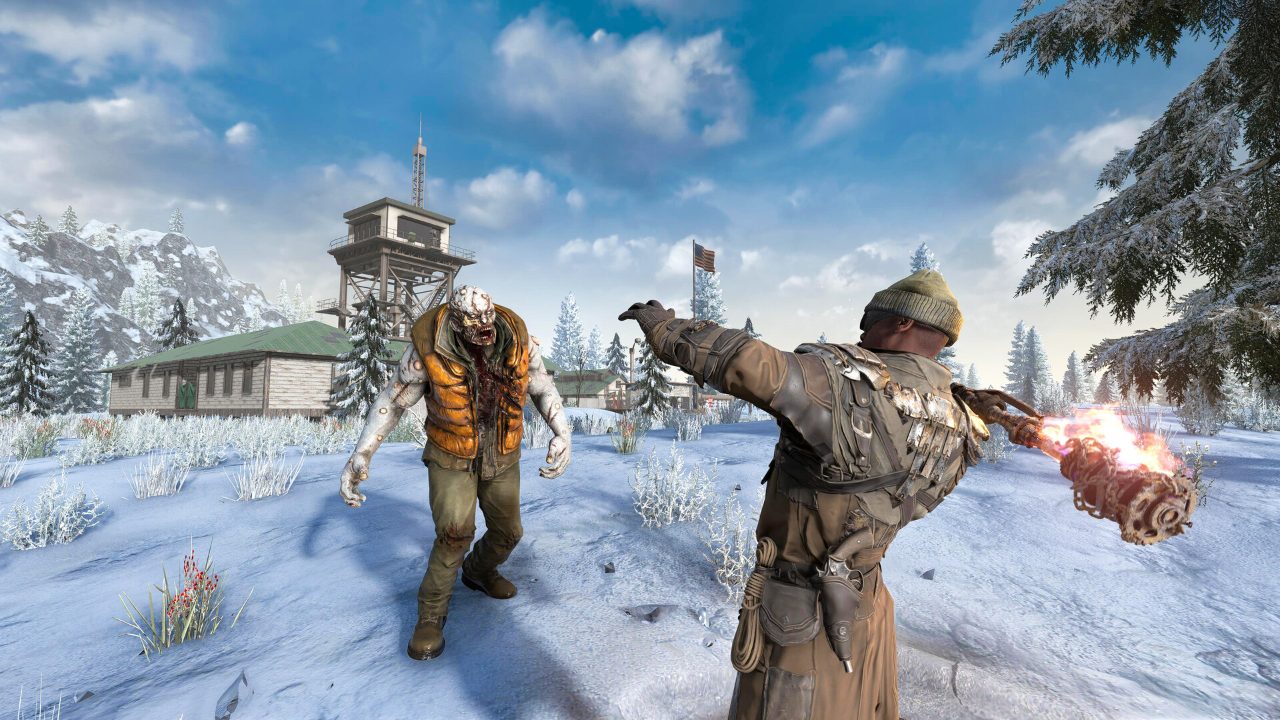
A survivor fighting a zombie in the snow
The snow biome · Official screenshot, The Fun Pimps
05Hosting

Dedicated server on Linux

  1. Install with SteamCMD using an anonymous login: +app_update 294420 validate. For the experimental branch add -beta latest_experimental.
  2. Edit serverconfig.xml in the server folder: server name, password, max players, world, seed, difficulty and anti-cheat.
  3. Start with ./startserver.sh -configfile=serverconfig.xml.
  4. Open the game ports in your firewall (26900 TCP and UDP, plus 26901 to 26902 UDP by default).
  5. Everyone must run the same version as the server, stable or experimental.
Saves

Kept in ~/.local/share/7DaysToDie by default.

Sandbox presets

V3.0 added 150 sandbox options and shareable preset codes. V3.1 split enemy and animal density into day and night settings, so re-check old codes.

RAM

Plan extra memory if the server shares a machine with a game client.

Ports and file names are the long-standing defaults; check your serverconfig.xml after each major update.

A horde attacking base defences at night
Blood moon horde night · Official screenshot, The Fun Pimps
06News

Updates since 1.0

  • Oct 23, 2026 V3.4.0 experimental: search and filters for your backpack and containers, drone recovery from traders, and a fix for launching on macOS with Easy Anti-Cheat.
  • Oct 5, 2026 V3.3.0: the Bigger Backpack system. An 8 × 6 inventory grid (48 slots), and Small, Medium and Large backpacks in 6 qualities for up to 96 slots.
  • Aug 26, 2026 V3.2.0 stable.
  • Jul 27, 2026 V3.1.0 Henpocalypse: chicken farming and day and night density settings.
  • Jun 29, 2026 V3.0 Dead Hot Summer: 150 sandbox options, shareable presets, Item Magnitude for weapons and gear, optional repair and degradation, and new Sign-Tech signage across the map.
  • Apr 1, 2026 V2.6 stable.
  • Mar 24, 2026 The Fun Pimps join Behaviour Interactive.
  • Dec 18, 2025 V2.5 Survival Revival: water from empty jars, vehicle storage and mods, the Rancher and Chuck zombies, a smell system, storms and protective clothing, an apiary for honey, and a third-person camera.
  • Jul 25, 2024 1.0 release.
A gyrocopter flying over a ruined city
Gyrocopters over the city · Official screenshot, The Fun Pimps
07Files

Files and folders

WhatWhere
Saves~/.local/share/7DaysToDie/Saves/, then one folder per world and one per save
Generated worlds~/.local/share/7DaysToDie/GeneratedWorlds/
ModsMods/ inside the game folder, ~/.local/share/Steam/steamapps/common/7 Days To Die/
Dedicated server saves~/.local/share/7DaysToDie/Saves/ in the home folder of the user running the server

Random Gen worlds take a while to build. Back up GeneratedWorlds along with Saves so you do not have to generate them again.

08Mods

Mods on Linux

7 Days to Die mods come in two kinds, and Linux handles both.

XML and asset mods

A folder with a ModInfo.xml inside. Drop it in Mods/. These work with Easy Anti-Cheat on.

Mods with code

Mods that include DLL files need Easy Anti-Cheat off. In Steam, open Properties, then General, and set the launch option to Launch game without EAC.

Servers

The server needs the same mods. For code mods, set EACEnabled to false in serverconfig.xml.

Updates

Big updates, such as moving from V3.3 to V3.4, often break mods. Back up saves and wait for mod updates.

09Devs

For developers: what The Fun Pimps get right

  • Native client and native server on Linux, kept through 1.0 and every major update since.
  • Experimental first. Every update goes to an opt-in experimental branch before stable, on Linux too.
  • Let players choose the renderer. The launcher offers OpenGL and Vulkan, so Linux players can work around driver issues themselves.
  • Anti-cheat that works on Linux. Easy Anti-Cheat runs on Linux and the Steam Deck.
  • Shareable sandbox presets make server setups easy to copy between machines.
10Gallery

Screenshots

A survivor facing a mutated zombie in the wasteland
The wasteland · Official screenshot, The Fun Pimps
A survivor fighting a zombie with an auger
Close-quarters fighting · Official screenshot, The Fun Pimps
A burning zombie in a house
Zombies indoors · Official screenshot, The Fun Pimps
A zombie dog in the burnt forest
The burnt forest · Official screenshot, The Fun Pimps
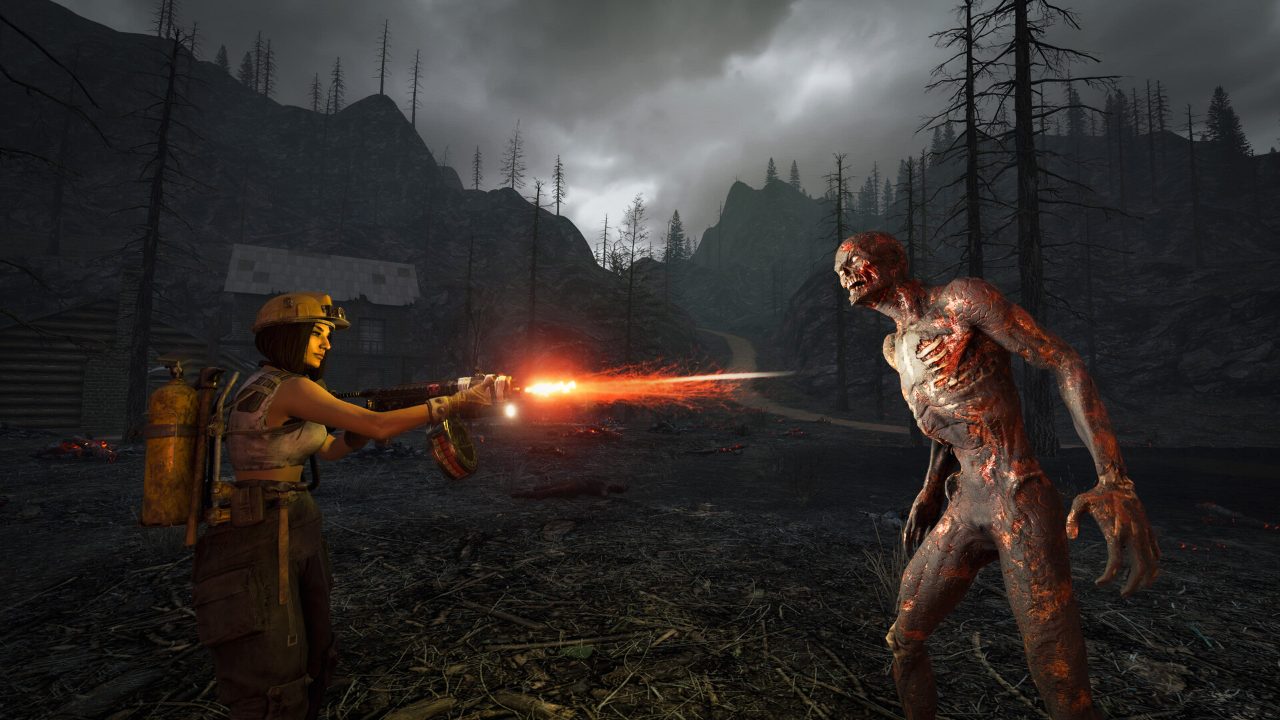
A survivor using a flamethrower
Flamethrowers · Official screenshot, The Fun Pimps
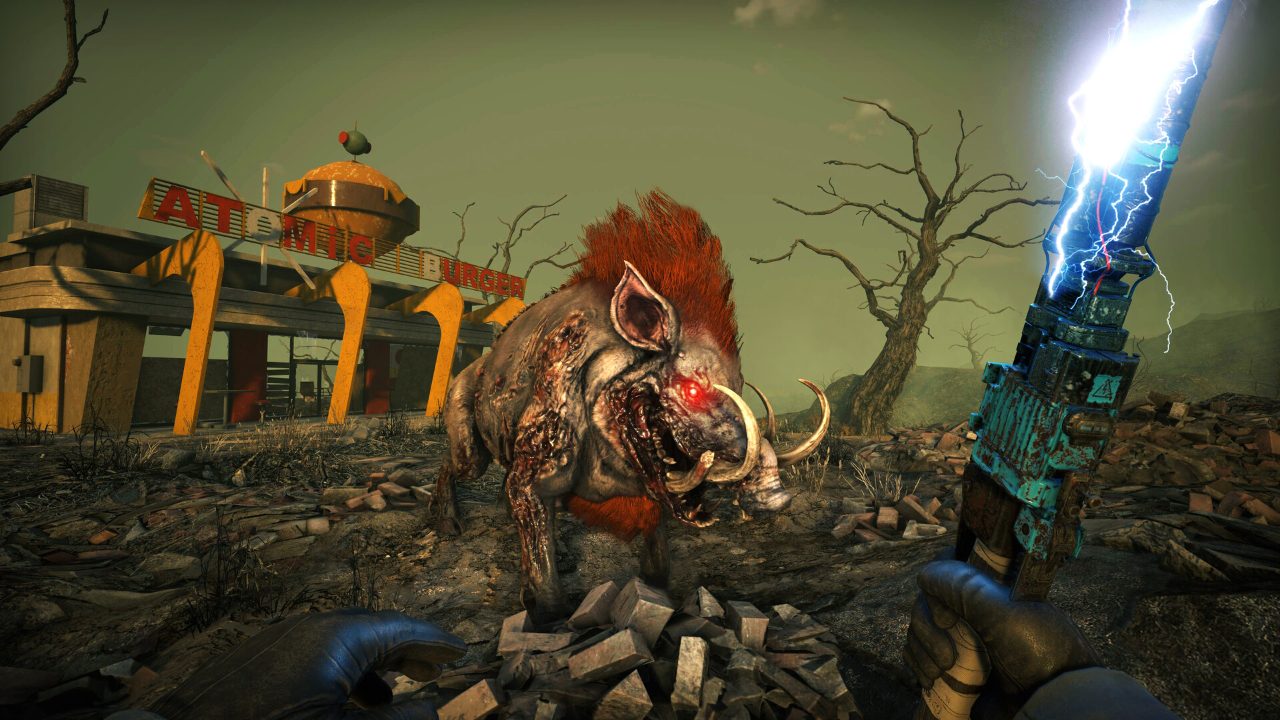
A mutant boar charging
Wildlife can be just as deadly · Official screenshot, The Fun Pimps
?Q&A

Quick answers

Does 7 Days to Die run on Linux?

Yes. It has a native Linux build on Steam, with OpenGL and Vulkan renderers.

Is 7 Days to Die Steam Deck Verified?

Yes.

Can I host a 7 Days to Die server on Linux?

Yes. Install the dedicated server with SteamCMD (app 294420), edit serverconfig.xml and run startserver.sh.

What is the latest 7 Days to Die version?

V3.3.0 Stable (October 5, 2026), with V3.4.0 on the experimental branch.

Where are 7 Days to Die saves on Linux?

In ~/.local/share/7DaysToDie/Saves/. Generated worlds are in GeneratedWorlds next to it.

How do I play 7 Days to Die mods that need EAC off on Linux?

In Steam, Properties, General, set the launch option to Launch game without EAC. Servers need EACEnabled set to false.

Added November 2026: save locations as documented for V1.0 and later; mod install and EAC launch option from community mod guides for the native Linux client.