Latest
Oct 27 · 42.22 pre-release: ladders and crowbar break-insOct 21 · The Indie Stone on Java mods: download responsiblySep 28 · Build 42.21 Stable: zombie duplication fixesAug 26 · Security fixes on every branchAug 17 · Servers now handle up to 254 playersJul 29 · Build 42 goes Stable

RimWorld on Linux

RimWorld runs natively on Linux, on Steam and DRM-free on GOG, and is Steam Deck Verified. Here are the save and mod paths, Steam Deck controls, every expansion, modding on Linux and what developers can learn from Ludeon Studios. Updated November 2026. Part of our Linux games list.

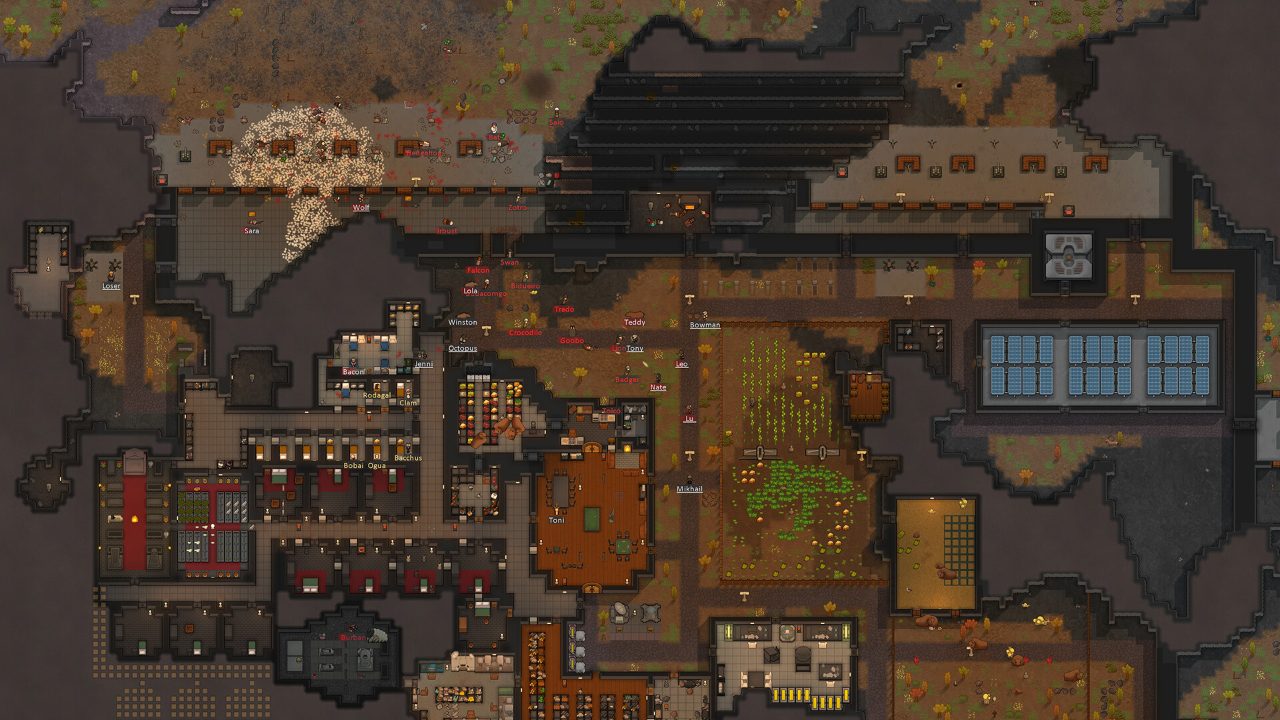
A large RimWorld base built into a mountain
RimWorld, running natively on Linux · Official screenshot, Ludeon Studios
01Scorecard

RimWorld on Linux: the scorecard
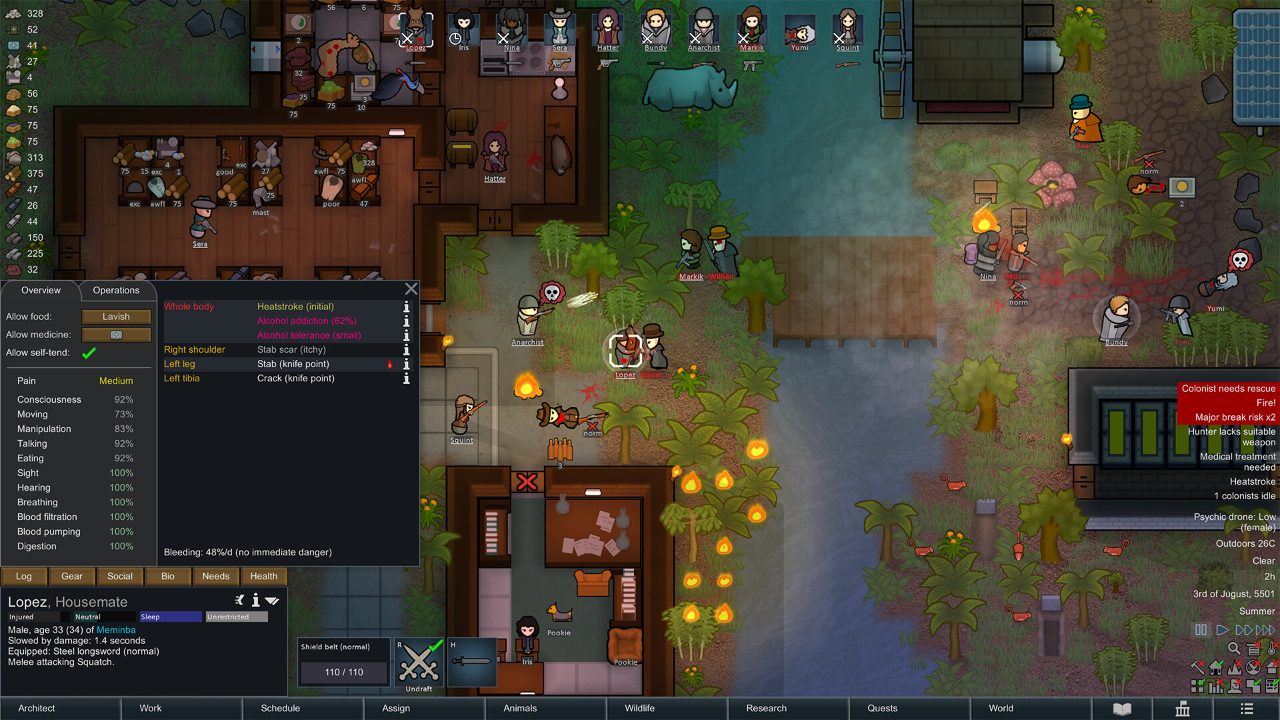
A RimWorld colony with a colonist info panel open
RimWorld: a colony sim run by an AI storyteller · Official screenshot, Ludeon Studios
Native Linux build

Yes, on Steam and DRM-free on GOG. Proton is not needed.

Steam Deck

Verified, after Ludeon's dedicated Steam Deck update in April 2022.

Engine

Unity, the same build on Windows, macOS and Linux.

Multiplayer

None. It is single-player, so there is no server to host and nothing to break online.

Current version

1.6.4850 (June 9, 2026). The 1.6 update and the Odyssey expansion arrived July 11, 2025.

Minimum PC (Linux)

Core 2 Duo, 4 GB RAM, Intel HD 4000 or shader model 4.0, 1 GB disk.

Reviews

Metacritic 87. Released October 17, 2018 after years in Early Access.

Verdict

Flawless. Native, Verified, light on hardware.
02Tests

How it does on our four tests

Runs natively or flawlessly

Pass. Native Linux build on Steam and DRM-free on GOG. No Proton or Wine needed.

Steam Deck Verified

Pass. Verified after Ludeon’s dedicated Steam Deck update in April 2022.

Hosts on Linux

Not applicable. RimWorld is single-player.

Survives updates

Pass. The same Unity build ships on Windows, macOS and Linux, including 1.6 and Odyssey, and older versions stay on beta branches.

Three out of three that apply. As light on hardware as Linux games get.

03Setup

Installing and finding your files

  1. Install from Steam (native Linux is picked automatically) or download the Linux build from GOG.
  2. Launch it. Nothing else is needed: no Wine, no Proton, no extra libraries.
  3. To stay on an older version, choose Properties > Game Versions & Betas, and pick a branch such as version-1.5.
Saves (Steam)

~/.config/unity3d/Ludeon Studios/RimWorld by Ludeon Studios/Saves/

Saves (Flatpak Steam)

~/.var/app/com.valvesoftware.Steam/config/unity3d/Ludeon Studios/RimWorld by Ludeon Studios/Saves/

Local mods (Steam)

~/.steam/steam/steamapps/common/RimWorld/Mods

Local mods (GOG)

~/GOG/Games/RimWorld/game/Mods/

In game

Settings > Save data location > Show opens the folder for you.

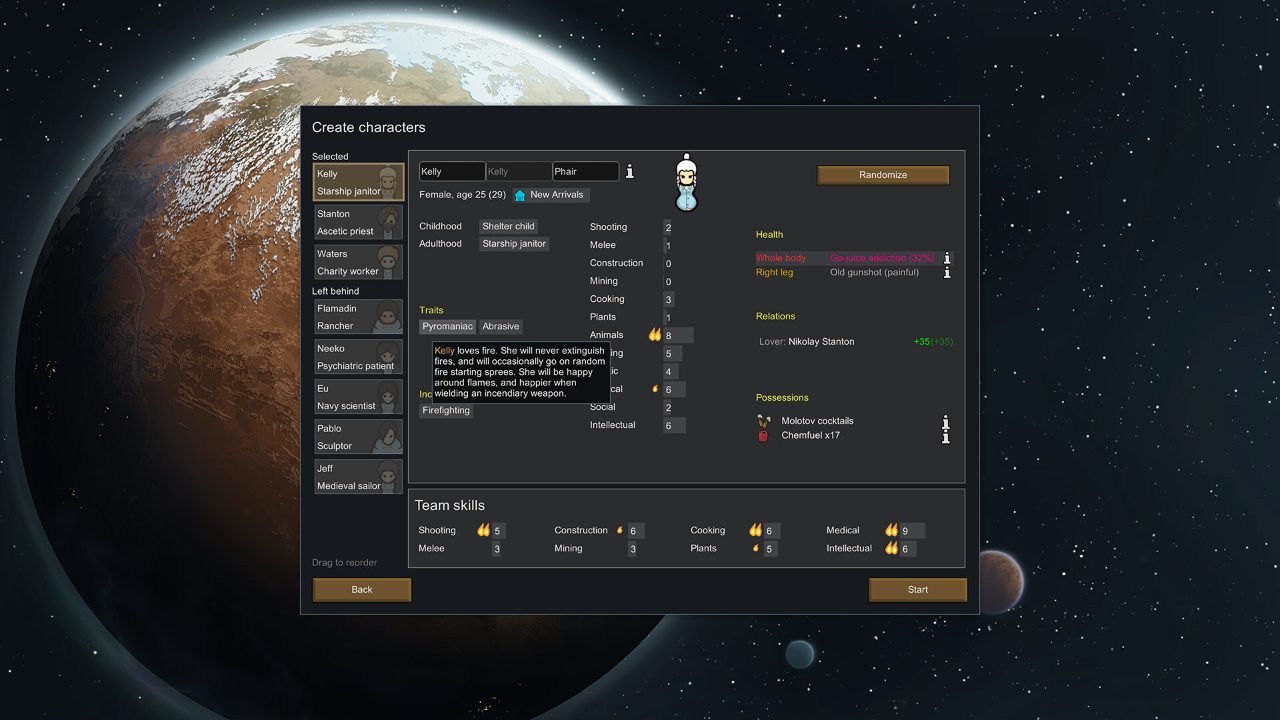
The RimWorld character creation screen
Creating your colonists · Official screenshot, Ludeon Studios
04Deck

RimWorld on the Steam Deck

  • Ludeon shipped a full Steam Deck update in April 2022, after a public beta.
  • Hold the designated middle-mouse button to turn taps into right-clicks, so you can order drafted colonists by touch.
  • Change game speed with the back buttons.
  • Touch scrolling, list dragging and zoom were improved.
  • The on-screen keyboard opens automatically in text fields, with a preview at the top of the screen.
  • Tutorials and tips show Steam Deck controls, and Options links straight to the controller setup.
  • It ships its own Steam Input configuration.
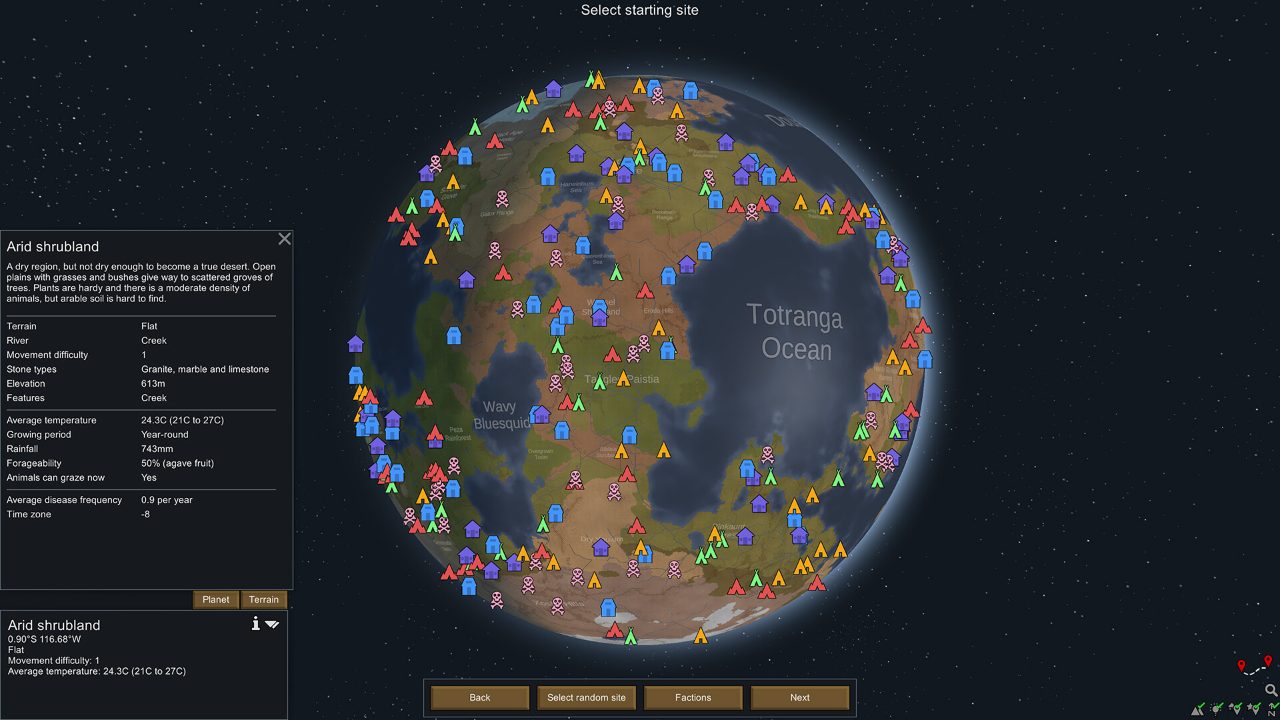
The RimWorld world map
Picking a landing site on the planet · Official screenshot, Ludeon Studios
05Content

Expansions and the 1.6 update

Royalty

February 24, 2020. An empire, psychic powers and titles.

Ideology

July 20, 2021. Build your own religions and belief systems.

Biotech

October 21, 2022. Children, genetics, xenotypes and mechanoids.

Anomaly

April 11, 2024. Horror: the void, entities and dark studies.

Odyssey

July 11, 2025. A gravship flying base, new biomes, orbital salvage and the alpha thrumbo hunt.

Free update 1.6

With Odyssey: major performance work, reworked map generation, flying animals, and quality-of-life changes to caravans, plans, building and the UI. Unmodded 1.5 saves load in 1.6.

Every expansion runs natively on Linux, same day as Windows.

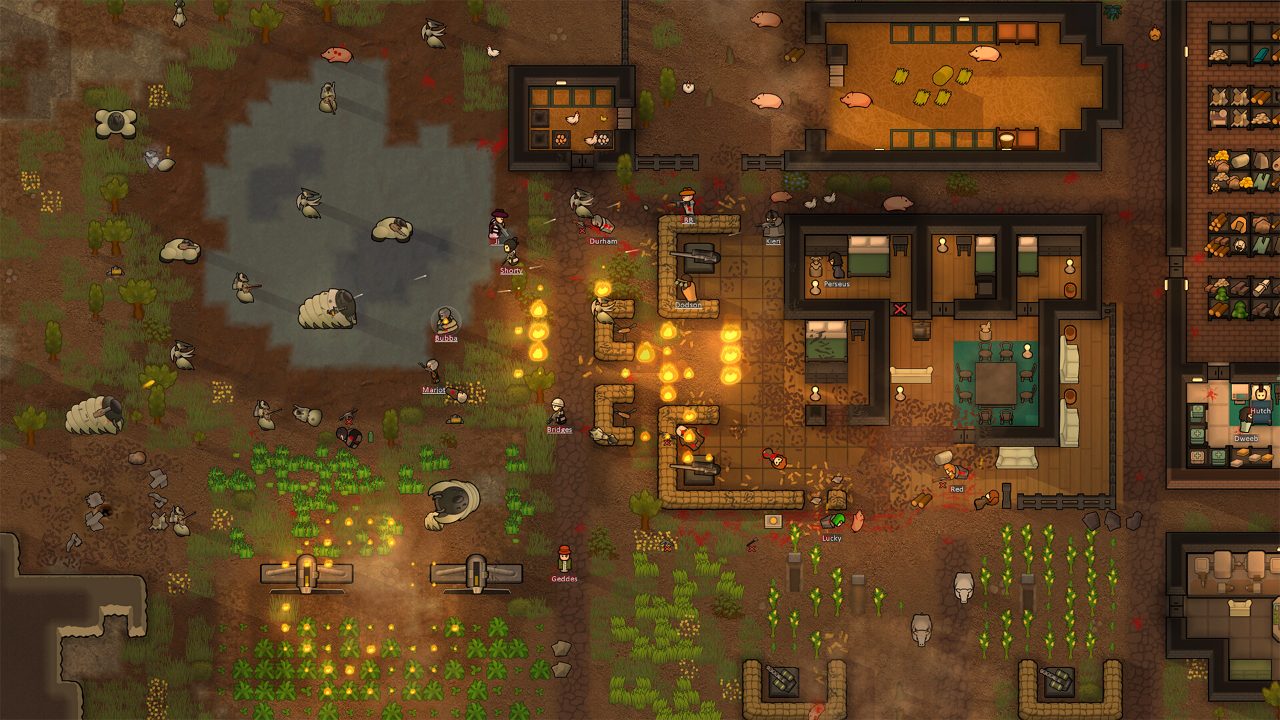
Colonists fighting a large battle around a ship
Big fights stay smooth after the 1.6 performance work · Official screenshot, Ludeon Studios
06Modding

Modding RimWorld on Linux

Each mod lives in its own folder inside Mods:

About/

Required. About.xml (name, author, dependencies, load order) and Preview.png (640 × 360 recommended, under 1 MB for the Workshop). ModIcon.png is optional (1.5+).

Defs/

XML content definitions.

Patches/

PatchOperations that change vanilla, DLC or other mods' Defs.

Assemblies/

Compiled C# DLLs, loaded automatically.

Textures/, Sounds/, Languages/

PNG textures, Ogg sounds and translations.

Version folders

Folders like 1.5 or 1.6 hold version-specific files; Common holds shared ones.

LoadFolders.xml

Picks which folders load per game version, with IfModActive, IfModNotActive and IfModActiveAll (1.6) conditions.

Linux catch: folder and file names are case-sensitive on Linux and macOS. A mod that works on Windows can fail on Linux if a texture is named Wall.png but referenced as wall.png. Only About.xml and LoadFolders.xml are case-insensitive.
07Fixes

Logs, resets and fixes

When RimWorld misbehaves on Linux, the cause is nearly always a mod or a bad setting, not Linux itself.

WhatWhere or how
Log file~/.config/unity3d/Ludeon Studios/RimWorld by Ludeon Studios/Player.log
Active mod listConfig/ModsConfig.xml in the same folder
In-game logTurn on Development mode in Options, then open the log window from the debug bar
Reset settingsClose the game and rename the Config folder. RimWorld makes a fresh one on next launch. Your saves are untouched.
Game will not start after an updateVerify the files in Steam, then start with mods off. Re-enable them in small groups to find the one that breaks.

After a big version change such as 1.5 to 1.6, wait for your important mods to update, or play on the old version branch until they do.

08Speed

Keeping big colonies fast

RimWorld runs well on almost anything early on. Late in a long game, it slows down because the simulation leans on a single CPU core. These habits keep it smooth on a Linux desktop and on the Deck:

Map size

The default 250 by 250 is the sweet spot. Bigger maps mean more things to simulate for the whole game.

Animals

Large herds of tame or wild animals cost a lot. Sell, slaughter or keep fewer.

Colony size

Each colonist adds jobs and pathfinding. A tight colony of 10 to 15 runs far better than 40.

Mods

Heavy mod lists are the biggest cause of slowdowns. Check the log for errors that repeat every tick.

On the Steam Deck, a 30 FPS cap in the Performance menu saves a lot of battery and costs nothing in a game this slow-paced.

09Devs

For developers: what RimWorld gets right

  • One Unity codebase ships native builds for all three desktop platforms, DLC included, on the same day.
  • DRM-free on GOG as well as Steam, with the same Linux build.
  • Treat the Deck as a platform. Ludeon added a Steam Input config, touch-first controls, an auto on-screen keyboard and a "Simulate using Steam Deck" debug setting to test without the hardware.
  • Fix Linux-only bugs. The Deck update also fixed the mouse position not updating on Linux builds.
  • Keep old versions on beta branches so mod users can stay put while mods catch up.
  • Test mods on a case-sensitive filesystem. It is the most common reason a mod breaks only on Linux.
10Gallery

RimWorld screenshots

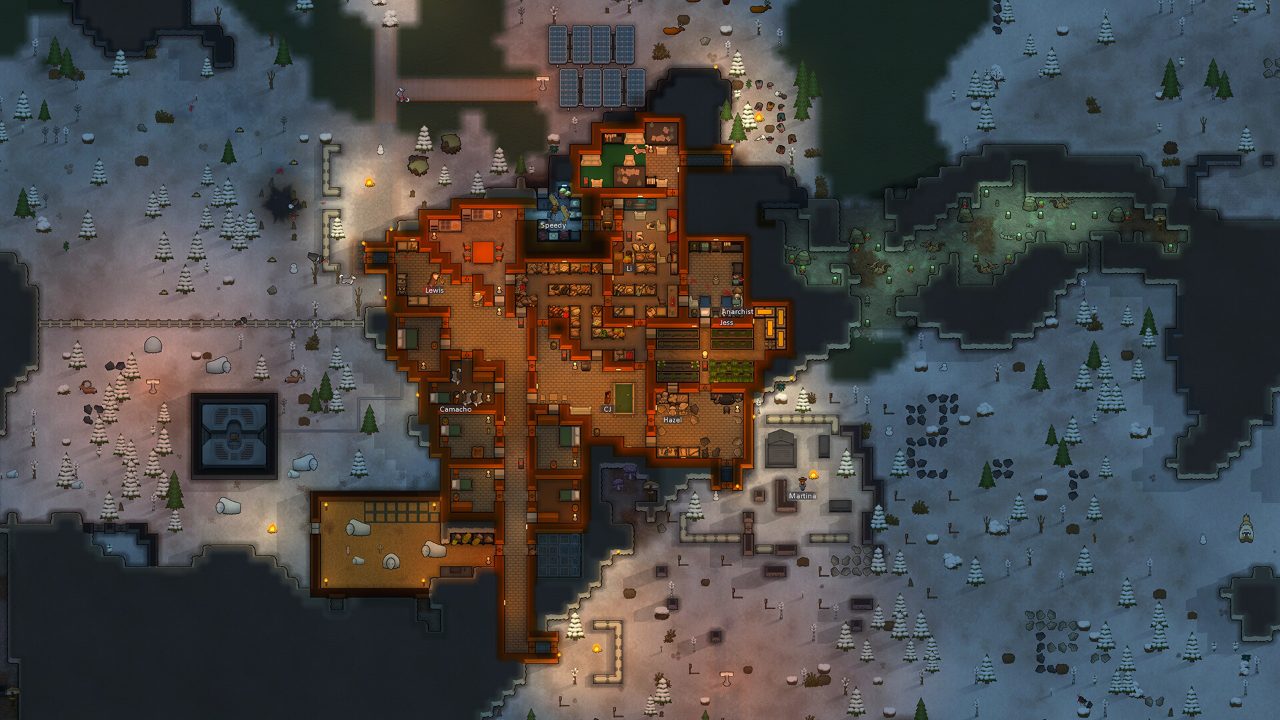
A snowy colony at night
A winter colony at night · Official screenshot, Ludeon Studios
A large base built into a mountain
Bases dug into mountains · Official screenshot, Ludeon Studios
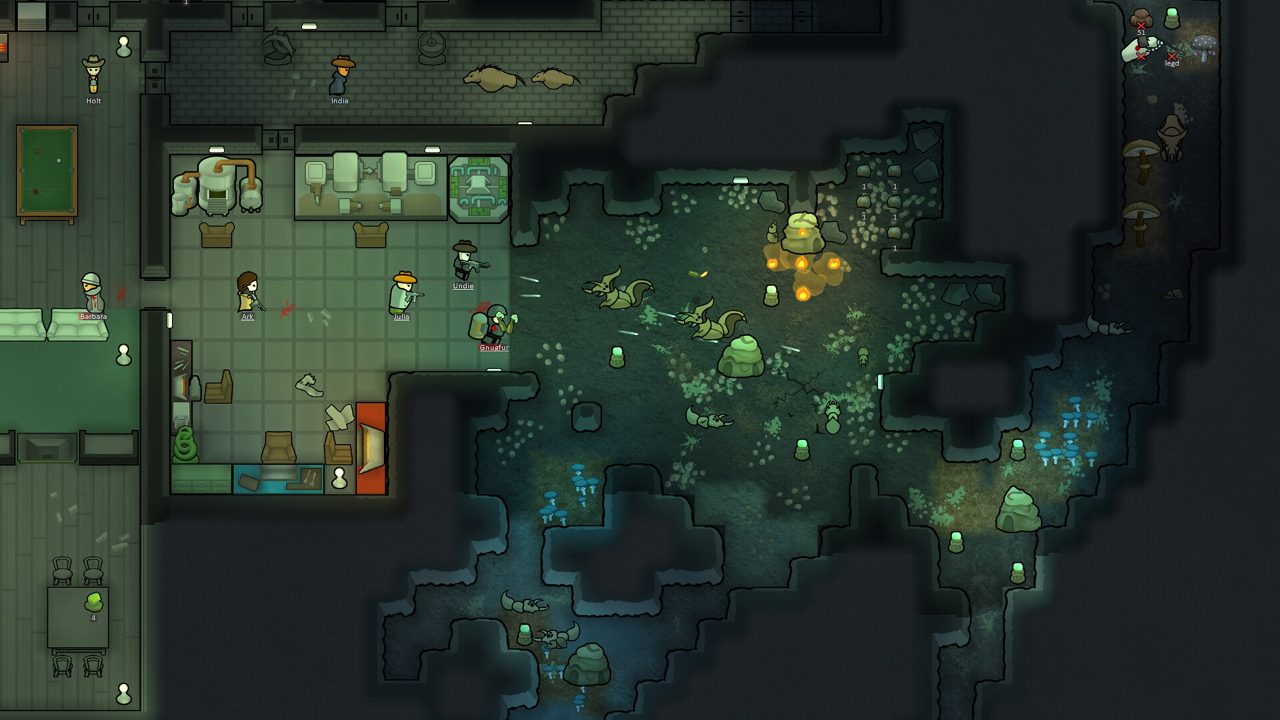
A colony built into a cave with a hospital
A hospital and workshop built into a cave · Official screenshot, Ludeon Studios
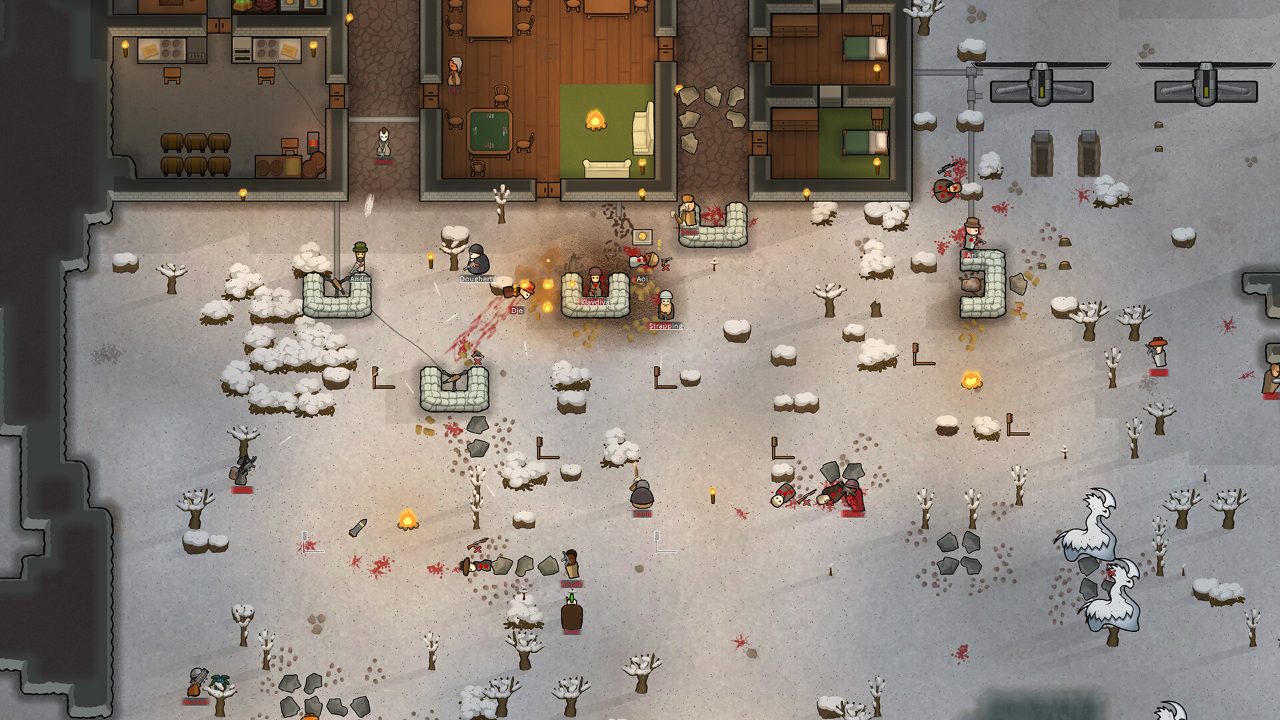
Colonists fighting raiders in the snow
Defending the walls in winter · Official screenshot, Ludeon Studios
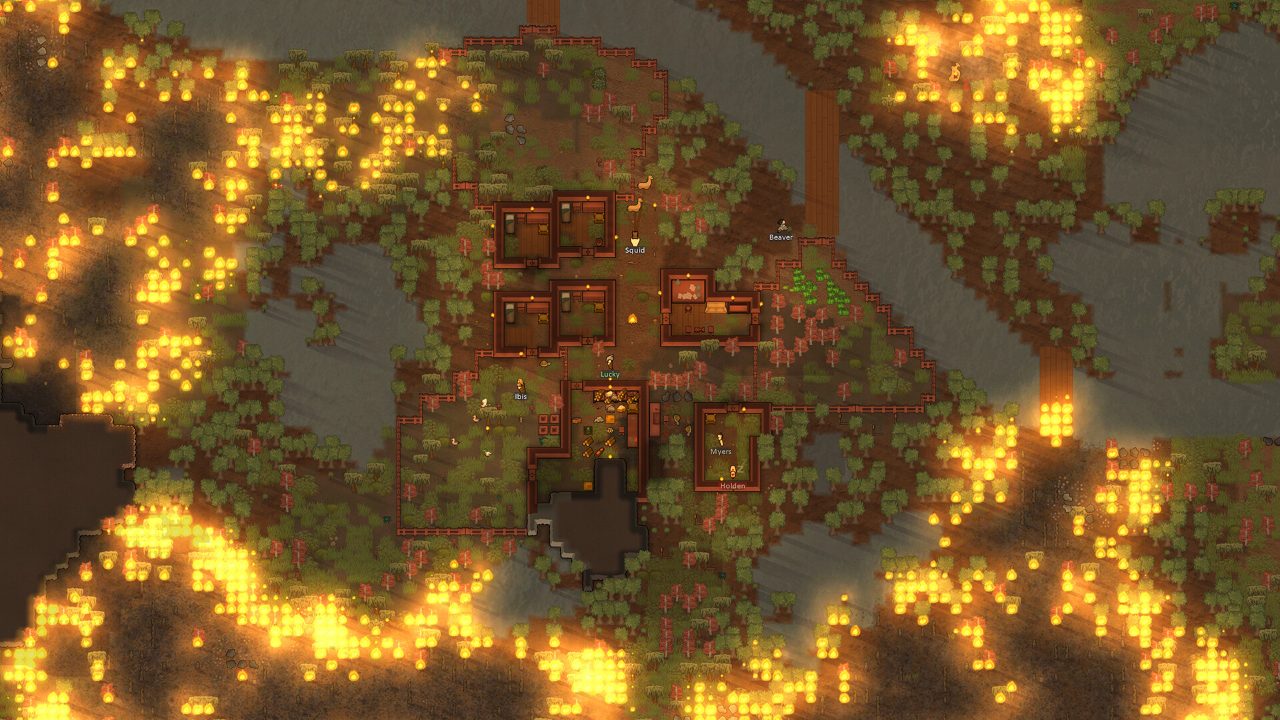
A colony surrounded by wildfire
Wildfire closing in · Official screenshot, Ludeon Studios
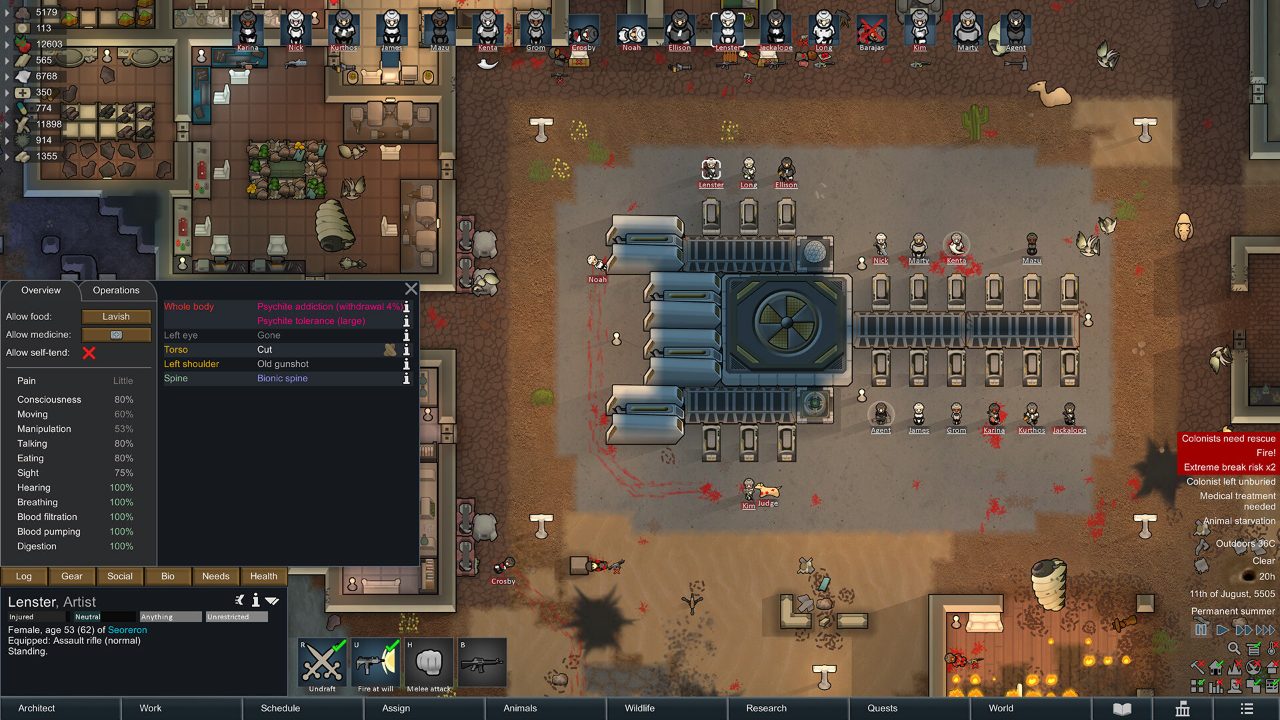
A small colony with farms on arid ground
Farms and workshops on arid land · Official screenshot, Ludeon Studios
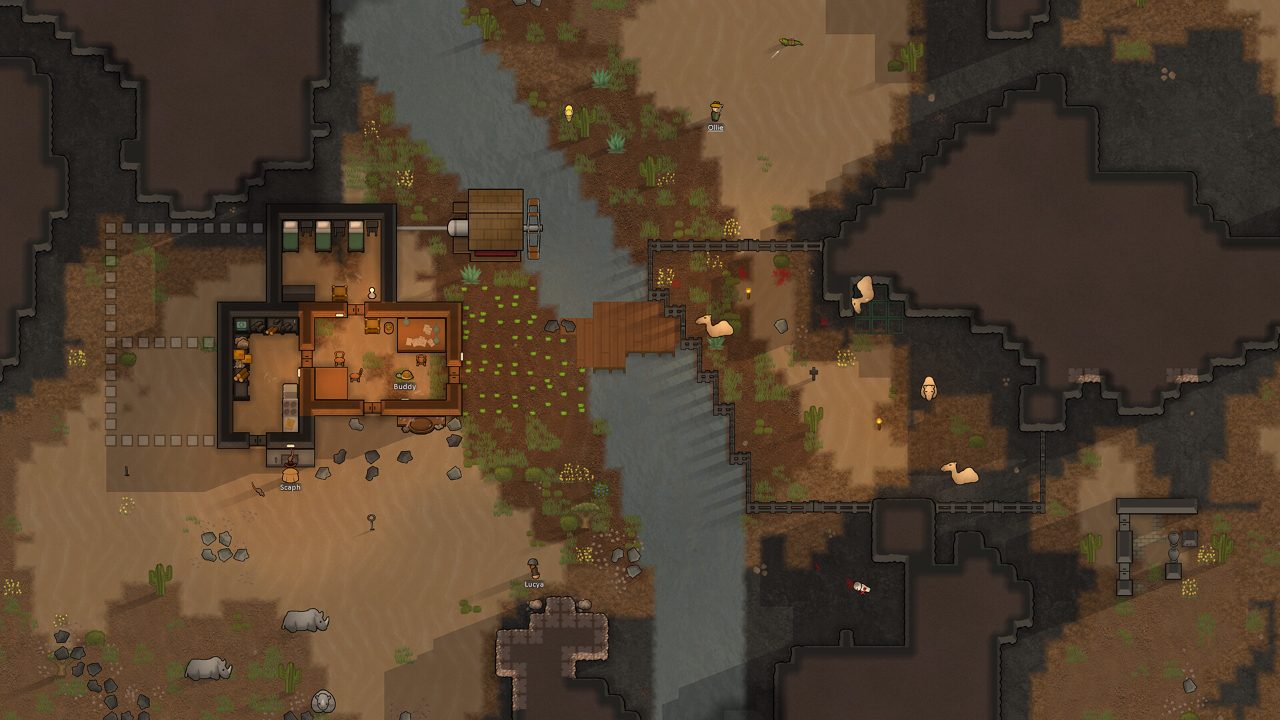
A small starter base by a river
A first shelter by the river · Official screenshot, Ludeon Studios
?Q&A

Quick answers

Does RimWorld run on Linux?

Yes. It has a native Linux build on Steam and on GOG.

Is RimWorld Steam Deck Verified?

Yes, after Ludeon's Steam Deck update in April 2022.

Where are RimWorld saves on Linux?

In ~/.config/unity3d/Ludeon Studios/RimWorld by Ludeon Studios/Saves/.

Where is the RimWorld log on Linux?

~/.config/unity3d/Ludeon Studios/RimWorld by Ludeon Studios/Player.log

Why does RimWorld slow down late in the game?

The simulation leans on one CPU core. Big maps, many animals, large colonies and heavy mod lists all add up.

How do I reset RimWorld settings on Linux?

Close the game and rename the Config folder next to Player.log. Your saves are kept.

Added November 2026: Unity log and config locations for the native Linux build; performance tips from common RimWorld practice.