Latest
Oct 27 · 42.22 pre-release: ladders and crowbar break-insOct 21 · The Indie Stone on Java mods: download responsiblySep 28 · Build 42.21 Stable: zombie duplication fixesAug 26 · Security fixes on every branchAug 17 · Servers now handle up to 254 playersJul 29 · Build 42 goes Stable

Necesse on Linux

Fair Games’ settlement-building survival game has had a native Linux build since 2021, kept it through 1.0 and is Steam Deck Verified. Its free Linux dedicated server holds up to 250 players. Here is how it scores, how to host it, where your files live and what developers can learn from Fair Games. Updated November 2026. Part of our Linux games list.

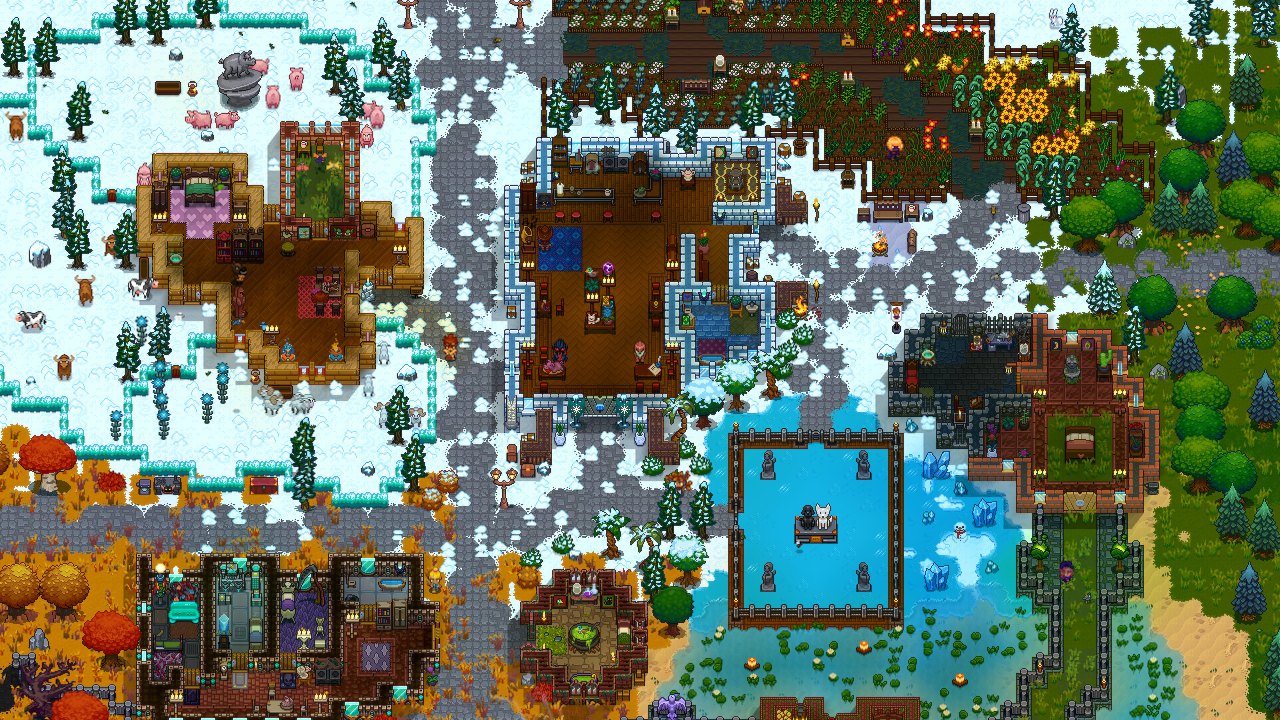
A snowy settlement with buildings and settlers
Necesse, running natively on Linux · Official screenshot, Fair Games
01Scorecard

Necesse on Linux: the scorecard

Native Linux build

Yes, since the December 20, 2021 update. Proton is not needed.

Steam Deck

Verified.

Dedicated server

Native Linux server through SteamCMD (app 1169370), anonymous login. Also a direct download from the game’s site.

Multiplayer

Online and LAN co-op and PvP. Dedicated servers allow up to 250 slots.

Engine

Fair Games’ own Java engine, with its Java 17 runtime bundled. Nothing extra to install.

Current version

1.3.3 (August 25, 2026).

Last big update

1.3 “Rust & Romance” (July 30, 2026).

Released

Early Access December 12, 2019; 1.0 on October 16, 2025.

Developer

Fair Games ApS.

Verdict

Flawless. Native, Verified, and it hosts on Linux.
02Tests

How it does on our four tests

Runs natively or flawlessly

Pass. Native Linux build with its own bundled Java.

Steam Deck Verified

Pass.

Hosts on Linux

Pass. Free Linux dedicated server with a no-GUI start script.

Survives updates

Pass. Linux came through 1.0 and 1.3, and patch notes call out Linux fixes by name.

Four out of four.

03Setup

Installing and requirements

Buy and install on Steam. The native Linux build is used automatically. Steam asks for “any newer Linux OS (64-bit)”.

MinimumRecommended
CPUIntel Core i3-4160 or AMD FX-4350Intel Core i5-4590 or AMD Ryzen 3 2200G
RAM4 GB8 GB
GPUGeForce GT 440 or Radeon HD 6570, 1 GBGeForce GTX 650 or Radeon HD 7750, 2 GB
Disk500 MB500 MB
04Deck

On the Steam Deck

Valve rates Necesse Verified: default controls, Deck button icons, readable text and good performance out of the box.

05Hosting

Dedicated server on Linux

  1. Download the server: steamcmd +force_install_dir ~/necesse +login anonymous +app_update 1169370 validate +quit. It is also on necessegame.com and in your Steam library as Necesse Dedicated Server.
  2. Start it: ./StartServer-nogui.sh -world MyWorld. It uses the Java runtime that ships with the server.
  3. Useful options: -port, -slots, -password, -world, -localdir (keep settings in the server folder).
  4. Open the port: 14159 UDP by default.
  5. Stop it properly. Type stop in the server console first. The server does not save when it is simply killed, which is what docker stop does.
WhatWhere
Server settings~/.config/Necesse/cfg/server.cfg
World settingsworldSettings.cfg inside each world’s save
06Files

Files and folders

WhatWhere
Worlds (as .zip files)~/.config/Necesse/saves/
Settings~/.config/Necesse/cfg/
Logs~/.config/Necesse/logs/
Mods~/.config/Necesse/mods/

Worlds are single .zip files, so backing one up is just copying a file.

07Mods

Mods on Linux

Steam Workshop

Subscribe, and a Mods button appears in the main menu for turning mods on and setting load order.

Java mods

Mods are .jar files and run the same on every platform.

Servers

Put the same jar files in the server’s mods folder. Some mods are client-side only and are not needed there.

08News

Updates and what is next

  1. October 16, 2025: 1.0. Linux and Steam Deck support came through launch.
  2. December 18, 2025 and April 9, 2026: updates 1.1 and 1.2.
  3. July 30, 2026: 1.3 “Rust & Romance”. Settler personalities and romance, the Scrapyard incursion, bigger biomes and a reworked tutorial.
  4. July 31: 1.3.1. Includes a fix for some Linux setups.
  5. August 25: 1.3.3. Small tweaks and bug fixes.
  6. October 7: Fair Games announced a partnership with Fireshine Games, with plans for a Christmas update to follow.
09Devs

For developers: what Fair Games gets right

  • Native Linux and macOS since 2021, kept through 1.0 and every update since.
  • A bundled Java runtime, so players and server admins install nothing extra.
  • A free Linux server with anonymous SteamCMD downloads and a no-GUI start script.
  • Linux fixes named in patch notes, so Linux players know they are looked after.
10Gallery

Screenshots

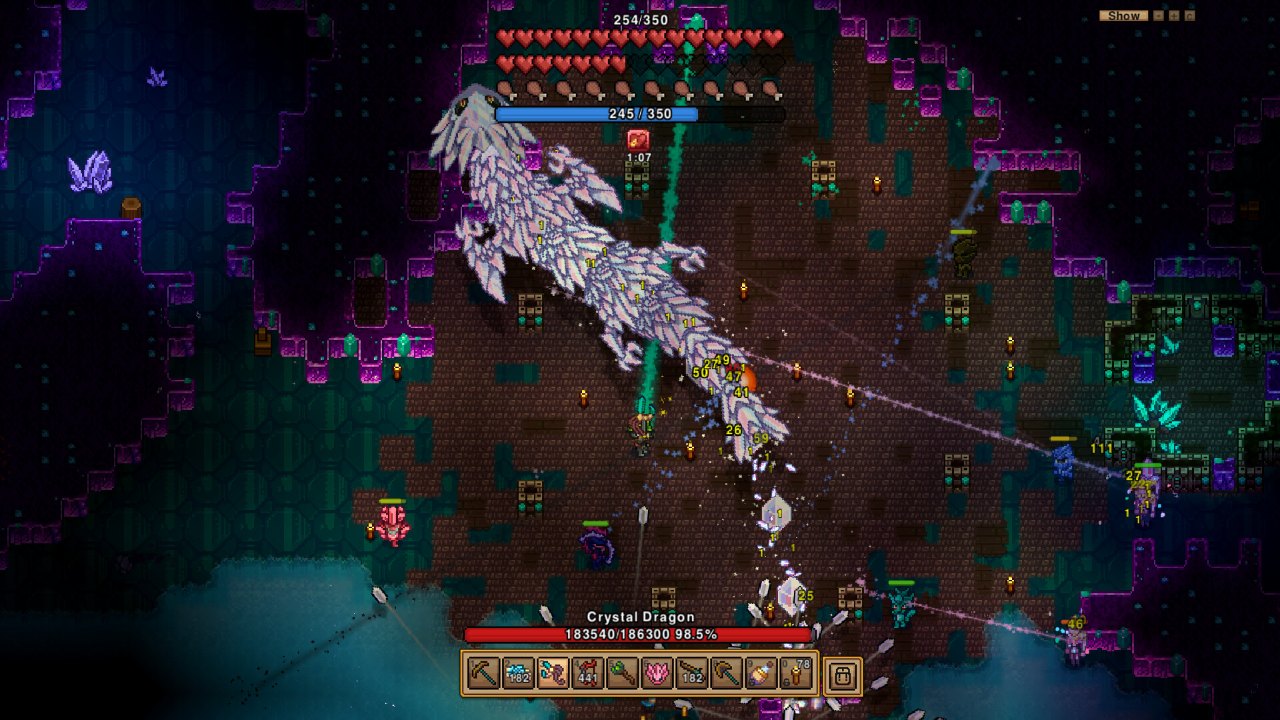
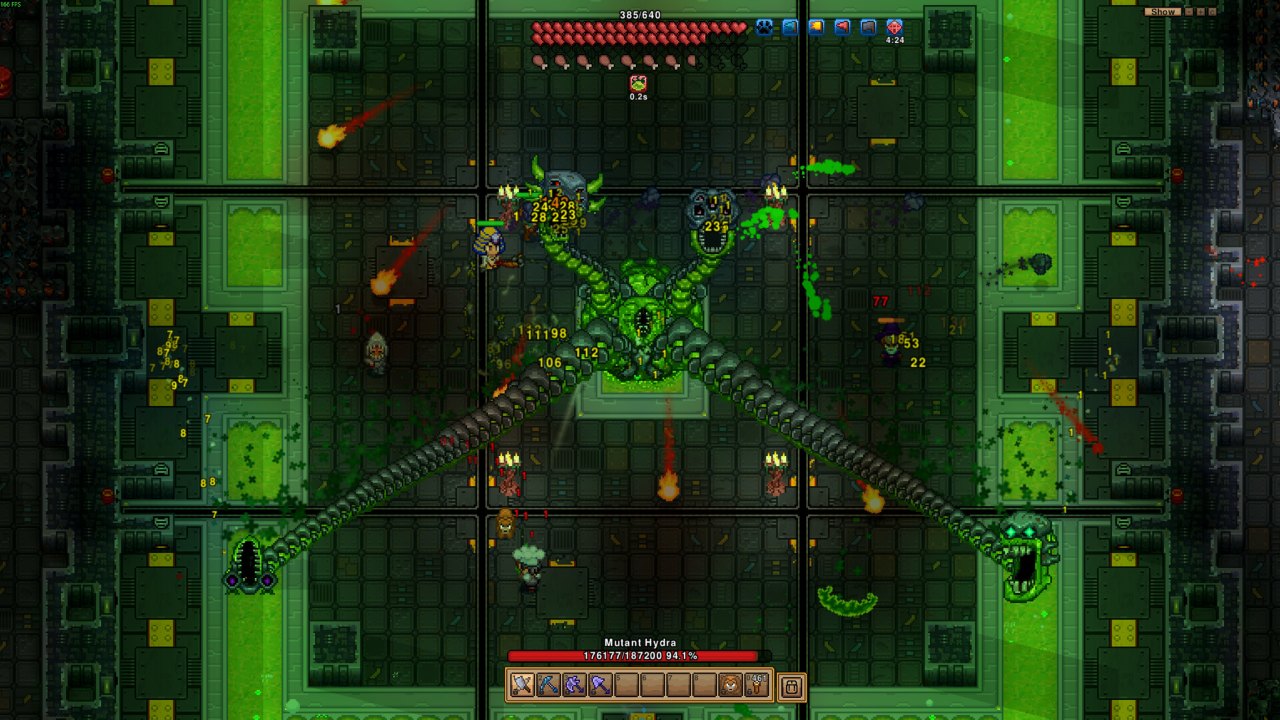
A boss arena
Boss fights · Official screenshot, Fair Games
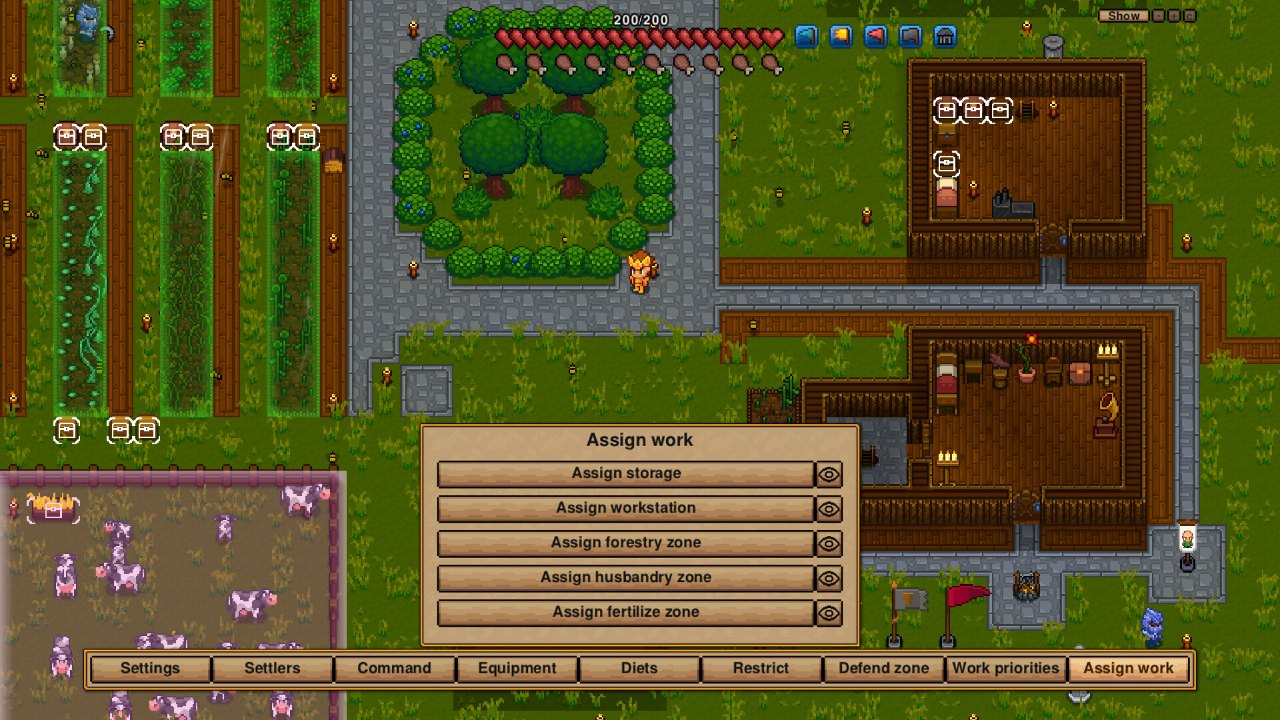
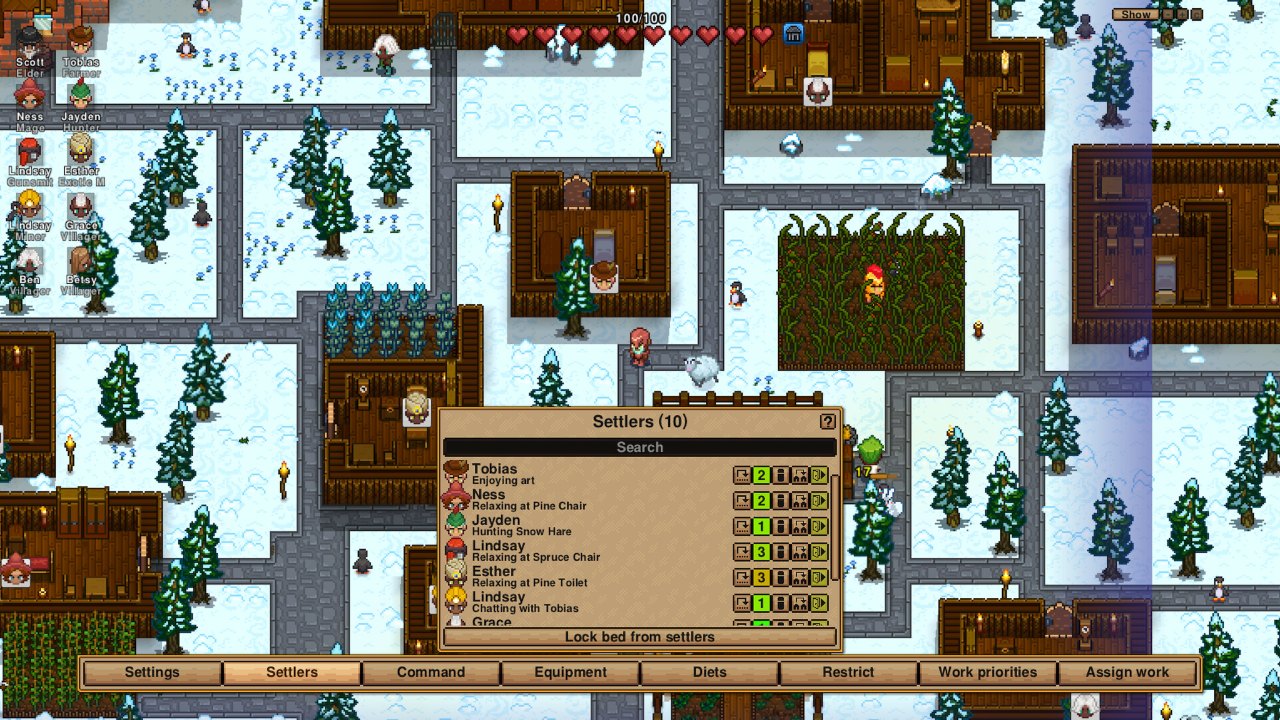
A settlement with a settler menu open
Running your settlement · Official screenshot, Fair Games
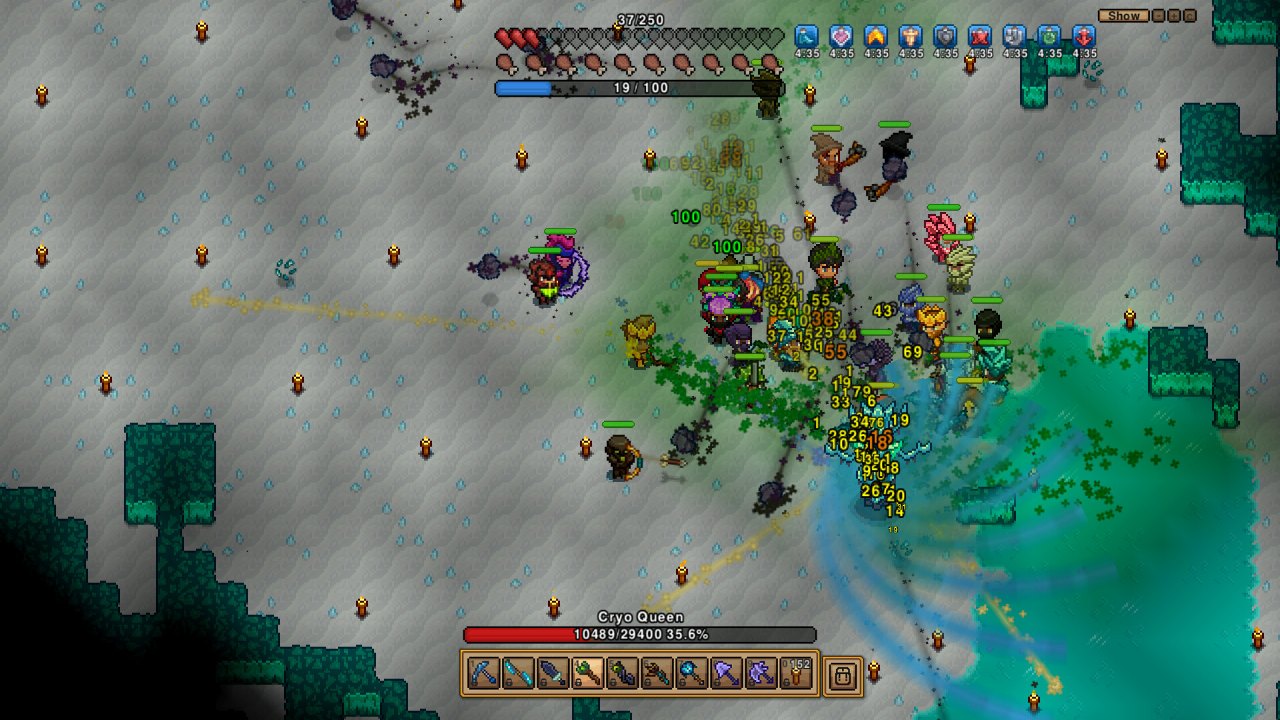
A boss fight in a purple cave
Deeper dangers · Official screenshot, Fair Games
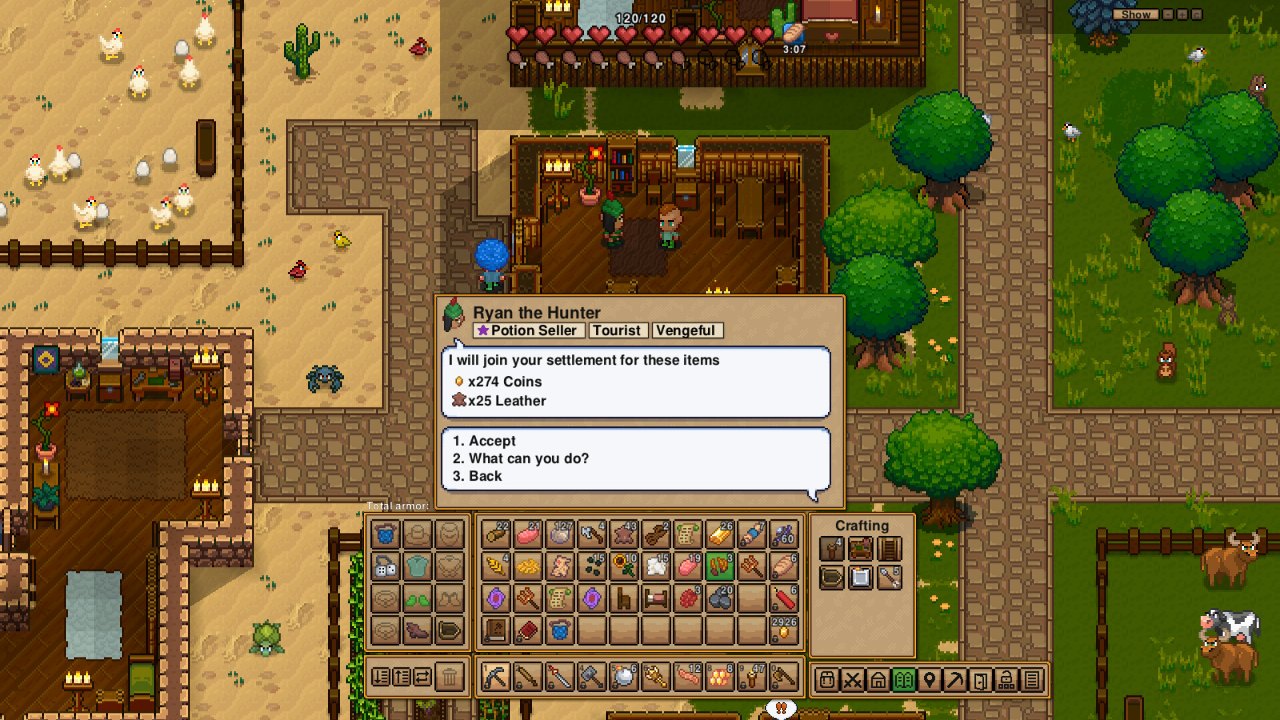
A village with a trade menu open
Trading · Official screenshot, Fair Games
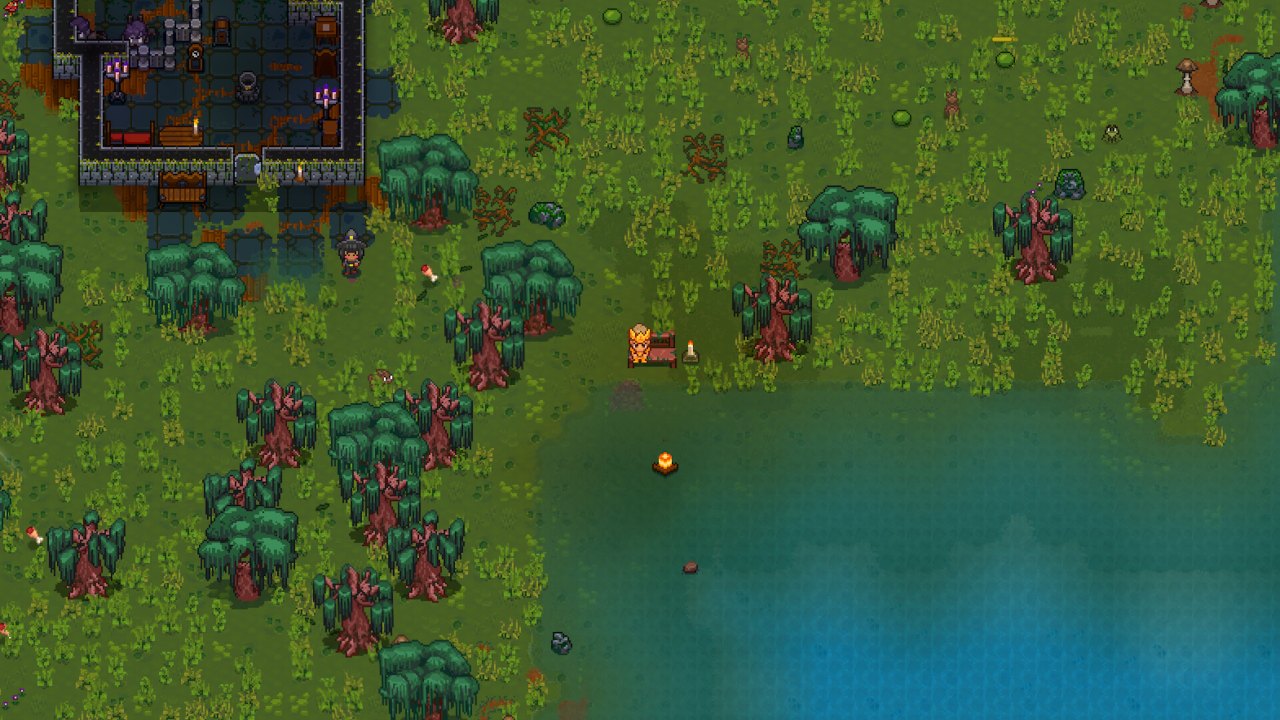
A forest beside a lake
Exploring the wild · Official screenshot, Fair Games
A snowy village with a menu open
Snowy settlements · Official screenshot, Fair Games
A crowded fight
Combat · Official screenshot, Fair Games
?Q&A

Quick answers

Is Necesse native on Linux?

Yes, since the December 2021 update. It bundles its own Java runtime, so nothing else is needed.

How do I host a Necesse server on Linux?

Download app 1169370 with SteamCMD and an anonymous login, run ./StartServer-nogui.sh -world MyWorld and open UDP port 14159.

Where are Necesse saves on Linux?

In ~/.config/Necesse/saves/, one .zip file per world.

Sources, checked November 2026: Steam store and announcements, SteamDB, necessewiki.com (multiplayer, Linux server, modding, version history), GamingOnLinux, Game Developer. Screenshots are official Steam store images from Fair Games.