Latest
Oct 27 · 42.22 pre-release: ladders and crowbar break-insOct 21 · The Indie Stone on Java mods: download responsiblySep 28 · Build 42.21 Stable: zombie duplication fixesAug 26 · Security fixes on every branchAug 17 · Servers now handle up to 254 playersJul 29 · Build 42 goes Stable

Linux gaming

Games that run flawlessly on Linux and the Steam Deck, for players and developers. Each game gets its own page. Updated November 2026.

01Intro

Games that run flawlessly on Linux

This is our home for Linux gaming: games that run without fuss on Linux and the Steam Deck, with setup notes for players and technical notes for developers. Every game here has to pass the same test.

Runs natively or near-perfectly

A native Linux build, or Proton with no tweaks needed.

Steam Deck Verified

Valve has checked it on the Deck.

Hosts on Linux

A dedicated server that runs on a Linux box, if the game has multiplayer.

Survives updates

Major updates do not break the Linux version.

Every game on the list has its own page with a scorecard, setup notes, Steam Deck tips and notes for developers.

02Games

The list

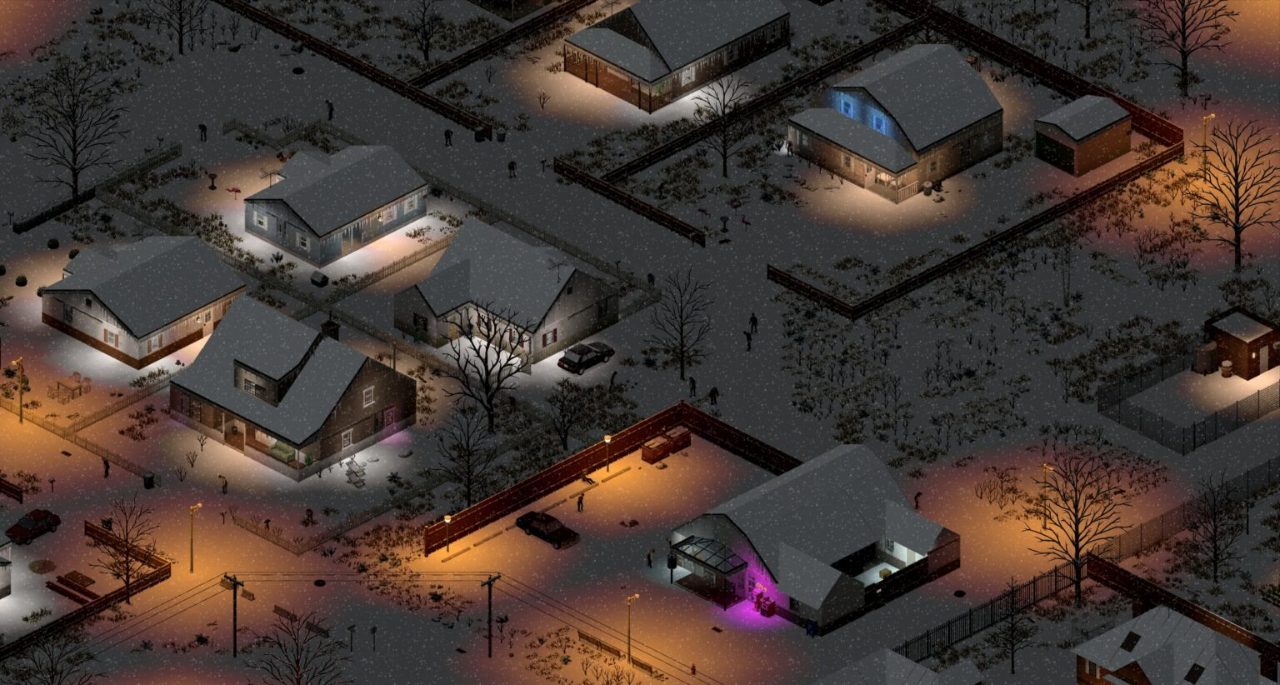
Project Zomboid

Native · Deck Verified

Zombie survival. Native Linux, Wayland opt-in, Linux dedicated server.

Verdict
Flawless
Server
Native Linux
Read
Full Linux guide »

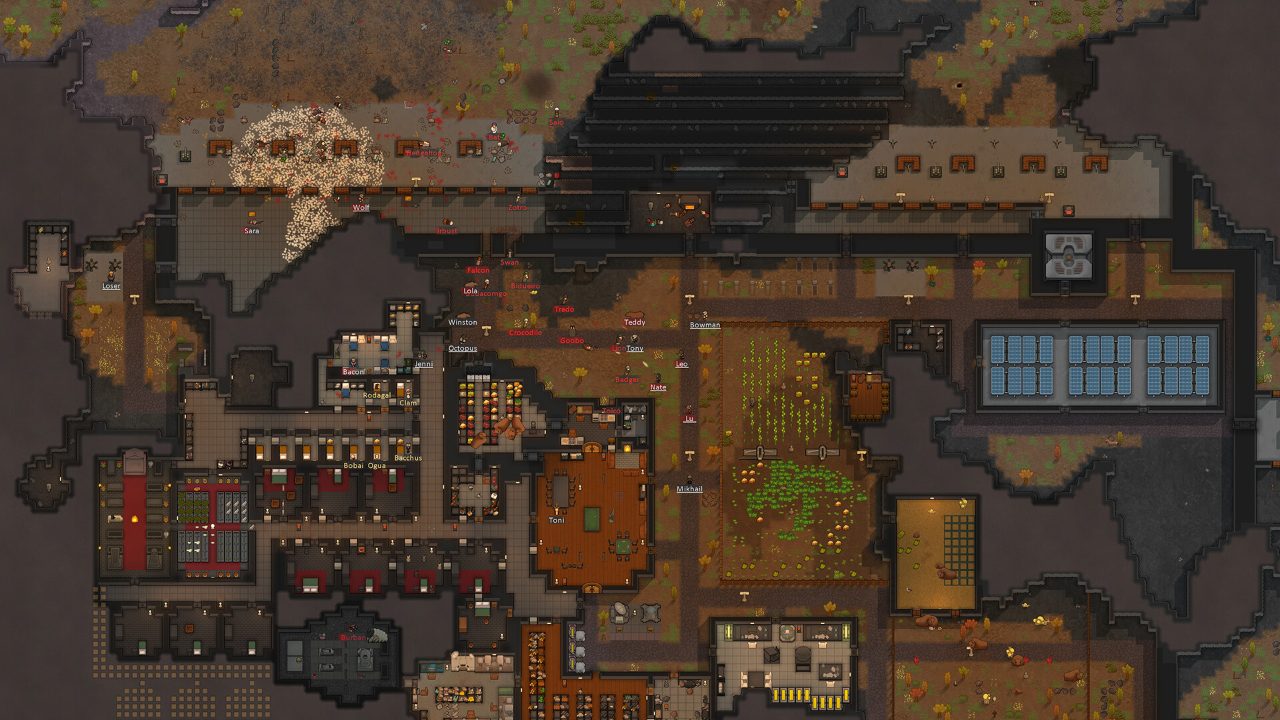
RimWorld

Native · Deck Verified

Colony sim. Native on Steam and GOG, light on hardware.

Verdict
Flawless
Server
Single-player
Read
Full Linux guide »

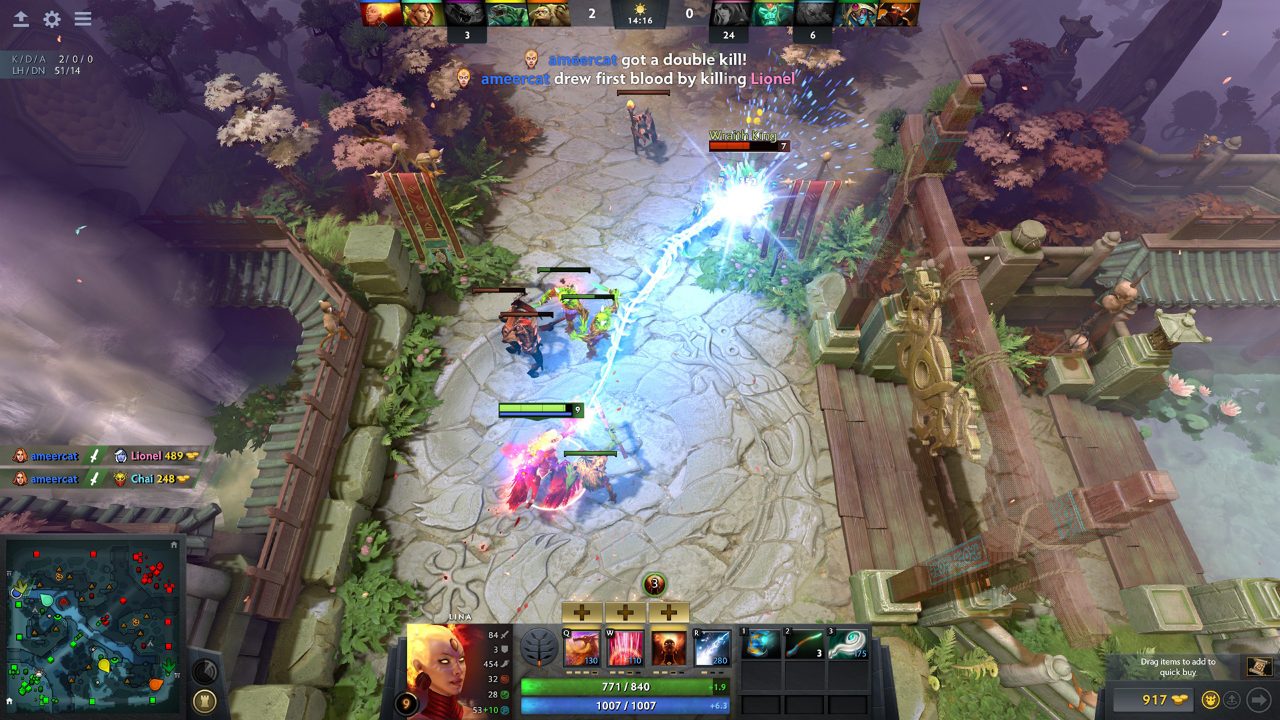
Dota 2

Native · Deck Playable

Valve's free MOBA. Native since 2013, Source 2 and Vulkan.

Verdict
Flawless on desktop
Server
Valve-hosted
Read
Full Linux guide »

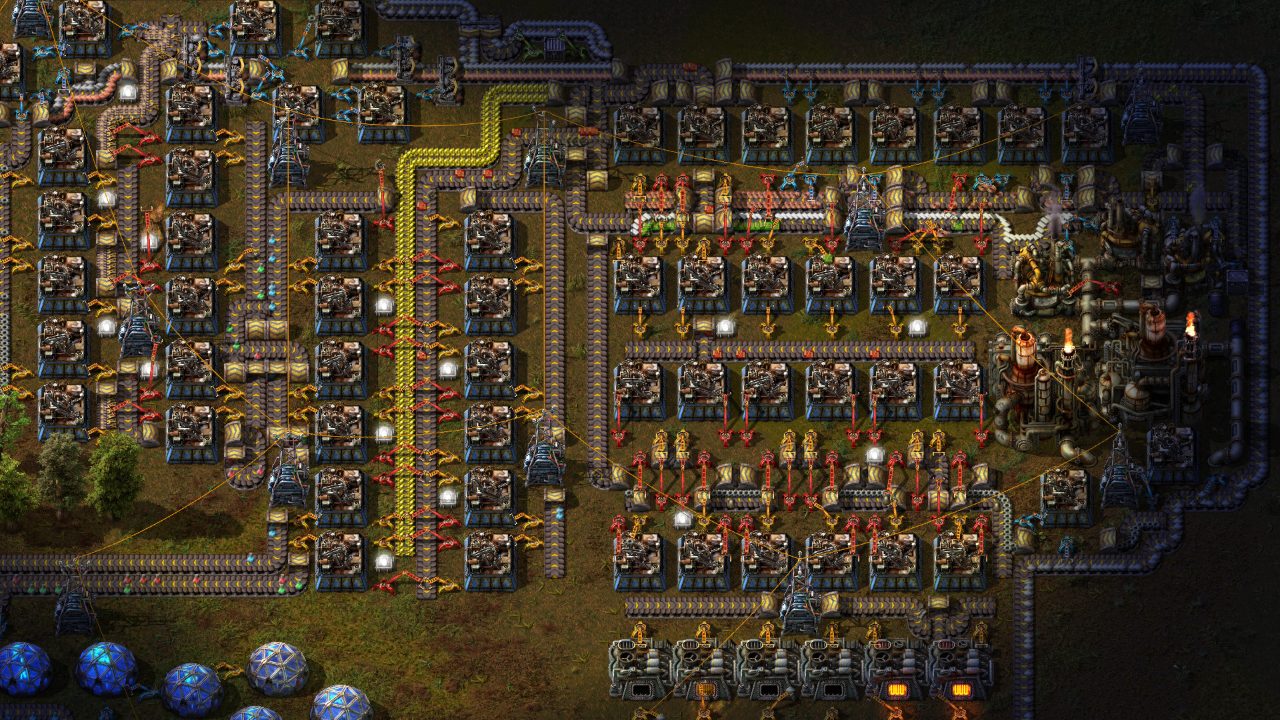
Factorio

Native · ARM64 · Deck Verified

Factory building. Native on x86-64 and ARM64, headless Linux server.

Verdict
Gold standard
Server
Headless Linux
Read
Full Linux guide »

Euro Truck Simulator 2

Native · Deck Verified

Trucking across Europe. Native, with an official Linux convoy server.

Verdict
Flawless
Server
Official Linux
Read
Full Linux guide »

American Truck Simulator

Native · Deck Verified

Trucking across the USA. Native, with an official Linux convoy server.

Verdict
Flawless
Server
Official Linux
Read
Full Linux guide »

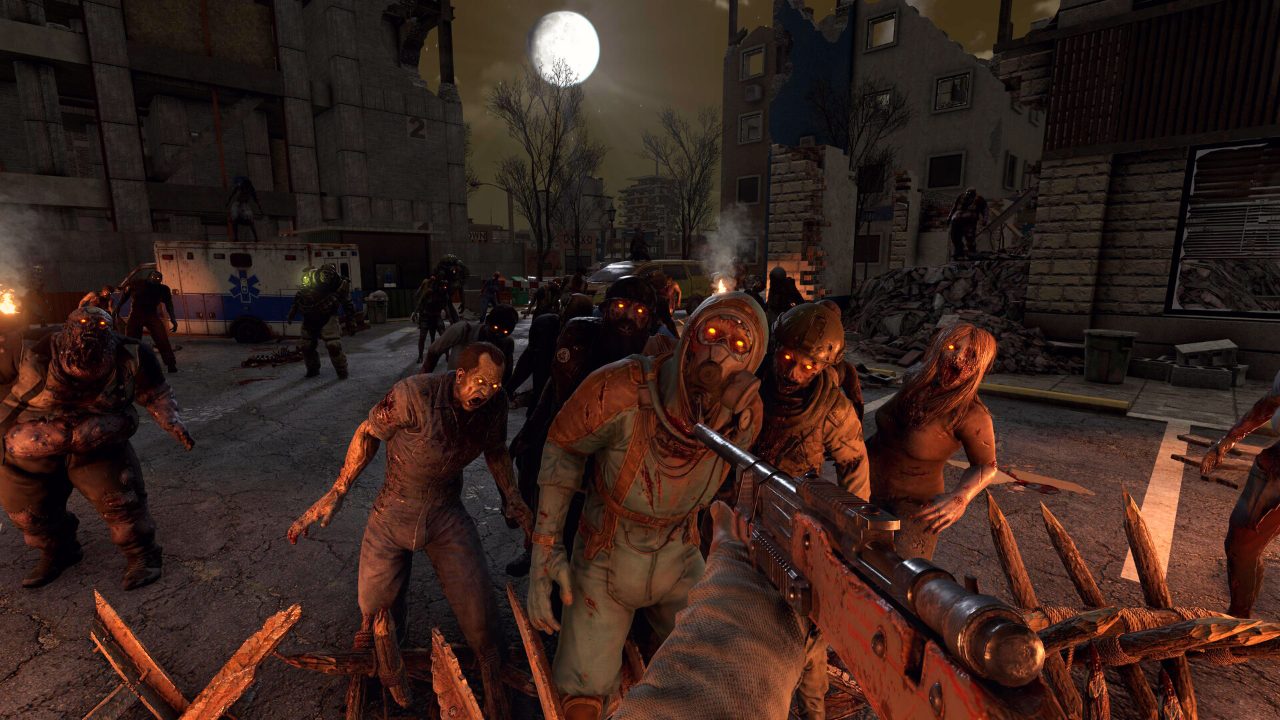
7 Days to Die

Native · Deck Verified

Zombie survival with blood moon hordes. Native client and Linux dedicated server.

Verdict
Flawless
Server
Native Linux
Read
Full Linux guide »

Stellaris

Native · Deck Playable

Sci-fi grand strategy. Native, with cross-platform multiplayer.

Verdict
Flawless on desktop
Server
Player-hosted
Read
Full Linux guide »

Valheim

Native · Deck Verified

Viking survival. Native, crossplay with every platform, Linux dedicated server.

Verdict
Flawless
Server
Native Linux
Read
Full Linux guide »

The Long Dark

Native · Deck Verified

Single-player wilderness survival. Native, with SteamOS named in the requirements.

Verdict
Flawless
Server
Single-player
Read
Full Linux guide »

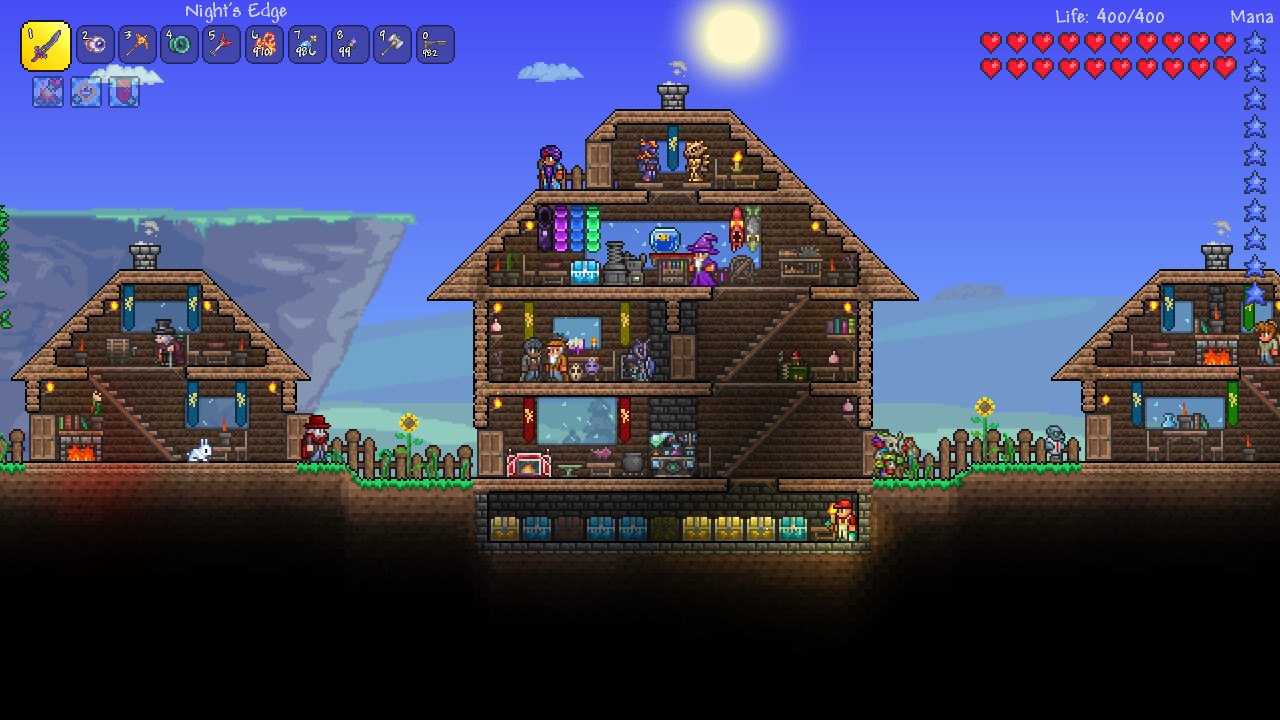
Terraria

Native · Deck Verified

2D sandbox survival. Native since 2015, with a free Linux server for up to 255 players.

Verdict
Flawless
Server
Native Linux
Read
Full Linux guide »

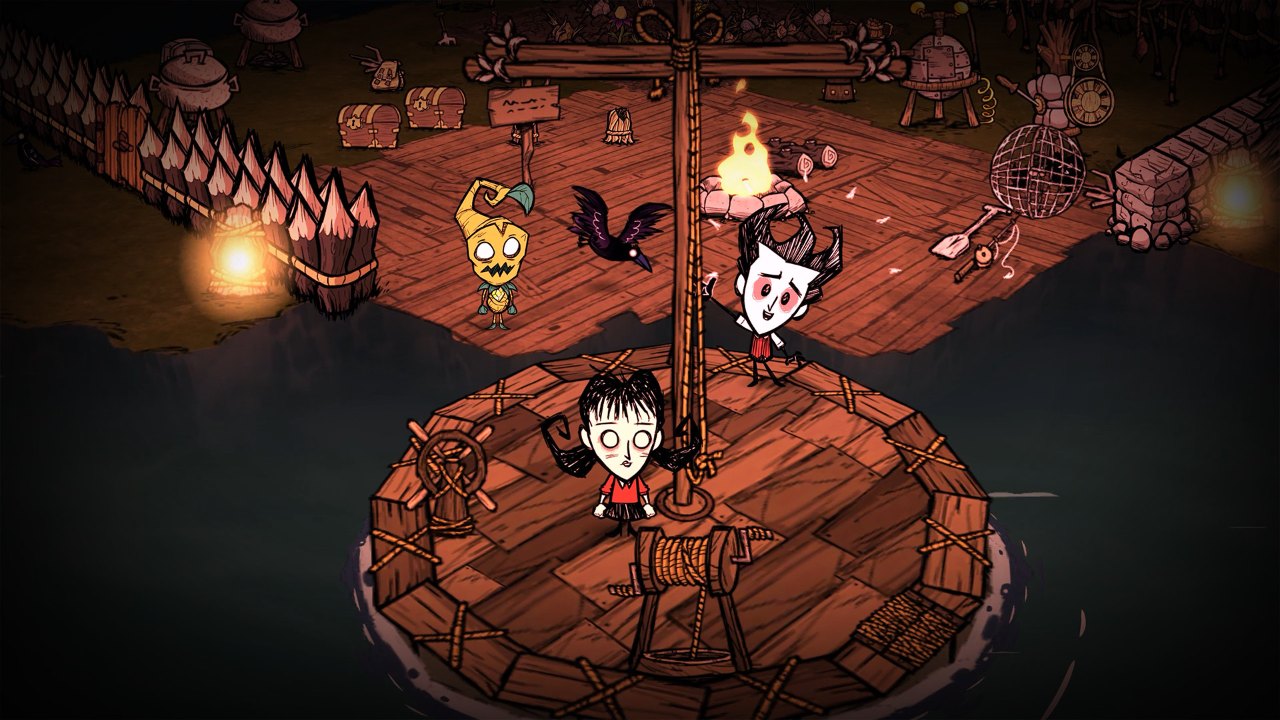
Don’t Starve Together

Native · Deck Verified

Klei’s co-op survival. Native, with a free Linux server through SteamCMD.

Verdict
Flawless
Server
Native Linux
Read
Full Linux guide »

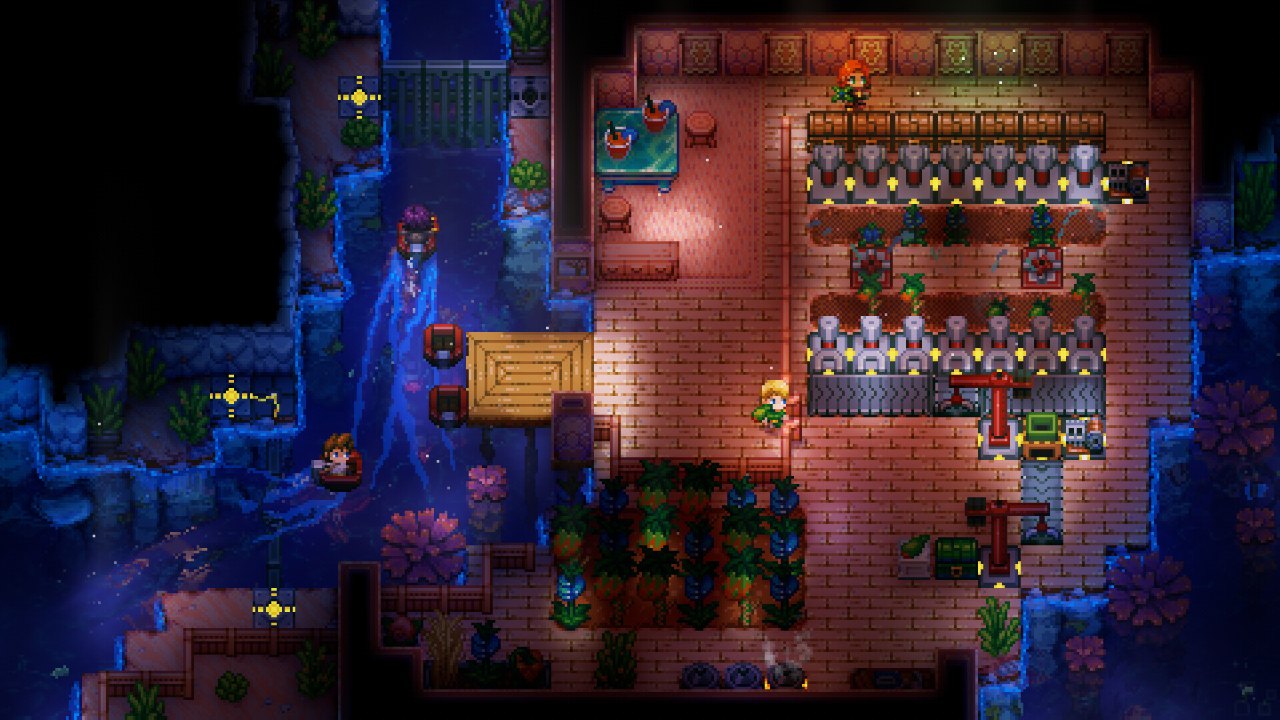
Core Keeper

Native · Deck Verified

Underground mining and base-building for up to 8. Native, with a Linux server.

Verdict
Flawless
Server
Native Linux
Read
Full Linux guide »

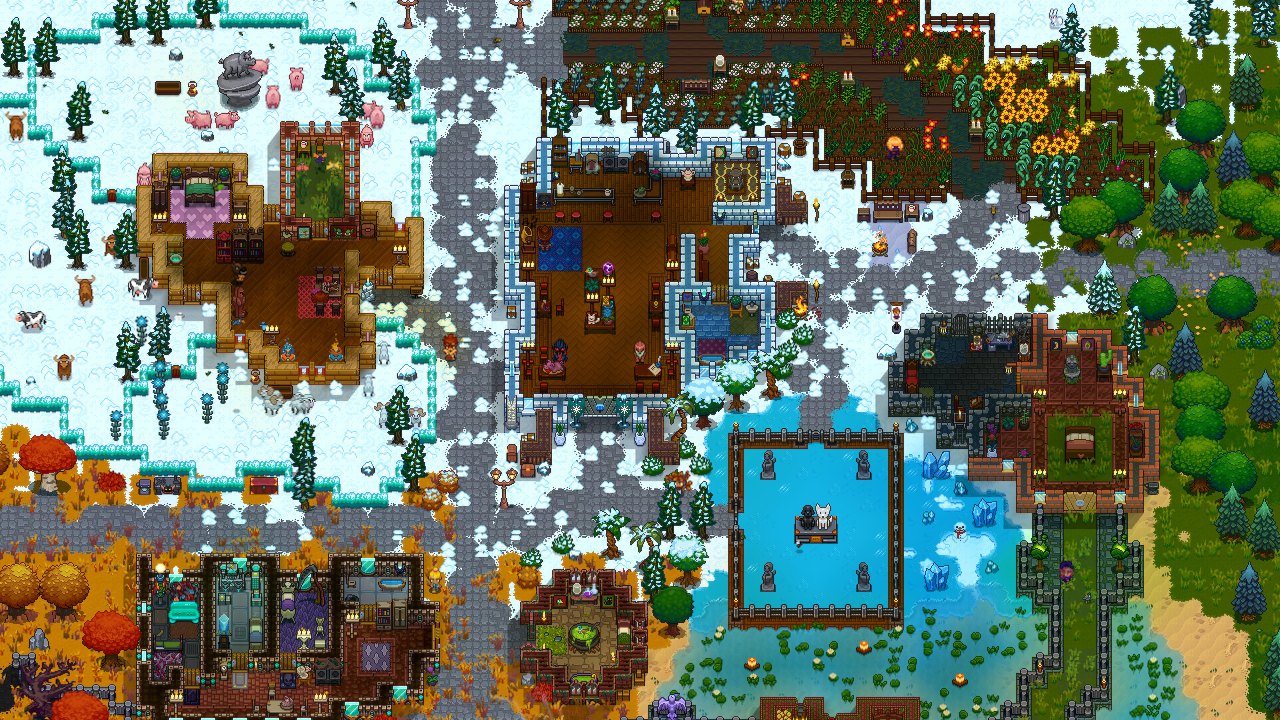
Necesse

Native · Deck Verified

Settlement-building survival. Native since 2021, Linux server for up to 250.

Verdict
Flawless
Server
Native Linux
Read
Full Linux guide »

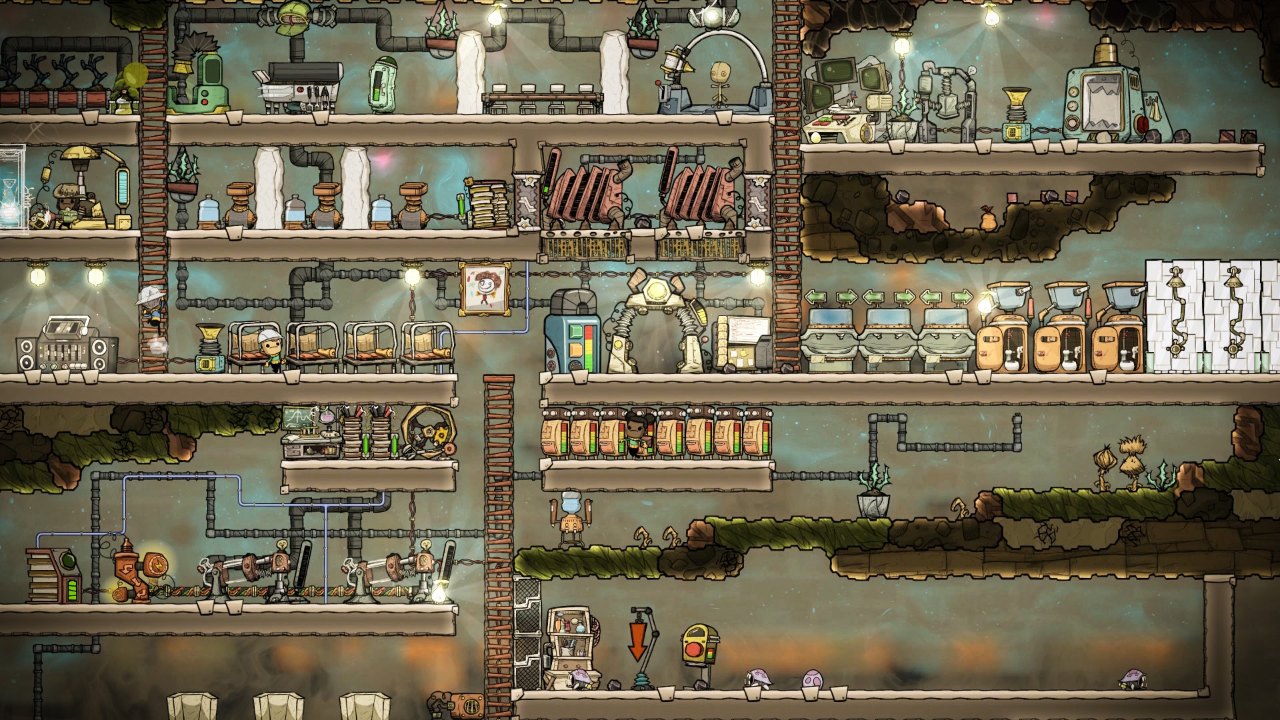
Oxygen Not Included

Native · Deck Verified

Klei’s space colony sim. Native since 2017, every DLC on Linux.

Verdict
Flawless
Server
Single-player
Read
Full Linux guide »

Left 4 Dead 2

Native · Deck Verified

Valve’s zombie co-op shooter. Native since 2013, Linux dedicated server.

Verdict
Flawless
Server
Native Linux
Read
Full Linux guide »
03Compare

All sixteen at a glance

Every game on the list side by side: how it runs, what Valve says about it on the Deck, and what you need if you want to host.

GameLinux buildSteam DeckMultiplayerServer ports
Project ZomboidNativeVerifiedLinux dedicated server (SteamCMD 380870)16261 and 16262 UDP
RimWorldNative, Steam and GOGVerifiedSingle-player–
Dota 2Native, VulkanPlayableValve’s servers–
FactorioNative, x86-64 and ARM64VerifiedHeadless Linux server34197 UDP
Euro Truck Simulator 2NativeVerifiedOfficial convoy server (app 1948160)27015 and 27016 by default
American Truck SimulatorNativeVerifiedOfficial convoy server (app 2239530)27015 and 27016 by default
7 Days to DieNative, OpenGL or VulkanVerifiedLinux dedicated server (SteamCMD 294420)26900 TCP/UDP, 26901 to 26902 UDP
StellarisNativePlayablePlayer-hosted, cross-platform–
ValheimNativeVerifiedLinux dedicated server (SteamCMD 896660)2456 and 2457 UDP
The Long DarkNativeVerifiedSingle-player–
TerrariaNativeVerifiedLinux dedicated server (download from terraria.org)7777 TCP
Don’t Starve TogetherNativeVerifiedLinux dedicated server (SteamCMD 343050)UDP, 10999 by default
Core KeeperNativeVerifiedLinux dedicated server (SteamCMD 1963720)None needed (Steam relay); UDP for direct connect
NecesseNativeVerifiedLinux dedicated server (SteamCMD 1169370)14159 UDP
Oxygen Not IncludedNativeVerifiedSingle-player–
Left 4 Dead 2Native, OpenGL or VulkanVerifiedLinux dedicated server (SteamCMD 222860)27015 UDP/TCP, 27005 UDP

Fourteen of the sixteen are Verified on the Deck. Dota 2 and Stellaris are rated Playable: they work, but expect small text and some control fiddling.

04Setup

Getting started with Steam on Linux

You do not need to be a Linux expert to play anything on this list. Install Steam, install the game, press Play.

Install Steam

Use your distribution’s package manager or Valve’s installer from store.steampowered.com. The Flatpak version (com.valvesoftware.Steam) also works and keeps its files under ~/.var/app/com.valvesoftware.Steam.

Native comes first

For all sixteen games here, Steam picks the native Linux build on its own. There is nothing to switch on.

Proton for everything else

For Windows-only games, open Steam > Settings > Compatibility and enable Steam Play. Per game, use Properties > Compatibility. The current version is Proton 11, stable since July 7, 2026, built on Wine 11.

Where games live

Steam installs games in ~/.local/share/Steam/steamapps/common/, also reachable as ~/.steam/steam. Right-click a game, then Manage > Browse local files to jump there.

  1. Update your system so you have current graphics drivers.
  2. Install Steam and sign in.
  3. Install a game from the list. Leave Compatibility unticked.
  4. Press Play. If it runs badly, read the performance and troubleshooting sections below.

Do not force Proton on a game that has a native Linux build. The native build is the one the developer tests, and every game on this page has one.

05Deck

The Steam Deck, explained

Valve checks games on the Deck and gives each one of four ratings. You see them on the store page and in your library.

Verified

Works great out of the box: controls, text size, performance and the on-screen keyboard all check out.

Playable

Works, but you may need to adjust controls, open a launcher with the touchscreen or squint at small text.

Unsupported

Does not work on the Deck at the moment.

Unknown

Valve has not tested it yet.

Want toDo this
Cap the frame rate or save batteryPress the … button, open Performance, and set a frame limit or lower the TDP.
See FPS and temperaturesSame menu: turn the Performance Overlay up a level.
Move files or install modsHold Power, choose Switch to Desktop. You get a full Linux desktop with a file manager.
Keep saves in sync with your PCSteam Cloud syncs saves for games that support it, including both truck sims and Valheim. Quit the game properly before switching devices.
Play with a mouse-heavy gameUse the trackpads, or plug in a mouse and keyboard over USB-C or Bluetooth.
06Tuning

Getting the best performance

Most of these games run well with no tweaks. If one does not, check these in order.

Graphics drivers

AMD and Intel use the open Mesa drivers that ship with your distribution: just keep the system updated. NVIDIA cards need NVIDIA’s own driver. SCS recommends recent binary drivers for its truck sims.

GameMode

Feral Interactive’s GameMode asks the system to favour the game while it runs. Install it, then add gamemoderun %command% to the game’s Launch Options in Steam.

MangoHud

An on-screen overlay for frame rate, frame times, CPU and GPU load. Add mangohud %command% to Launch Options. Combine both with gamemoderun mangohud %command%.

Vulkan

Dota 2 can be pushed to Vulkan with -vulkan. 7 Days to Die lets you pick OpenGL or Vulkan in its launcher: try both.

Project Zomboid is the exception: its memory setting lives in a JSON file in the game folder, not in Steam’s Launch Options. See our Project Zomboid on Linux guide.

07Hosting

Hosting game servers on Linux

Eleven games on this list run a dedicated server on a Linux box, and that is where most game servers live anyway. The pattern is the same for the Steam ones.

  1. Make a separate user for the server, so it cannot touch your own files.
  2. Install SteamCMD, Valve’s command-line Steam client, from your distribution’s packages or Valve’s download.
  3. Download the server with an anonymous login: steamcmd +force_install_dir /opt/server +login anonymous +app_update APPID validate +quit
  4. Open the ports in your firewall and on your router.
  5. Keep it running in tmux, or as a systemd service so it restarts after a crash or reboot.
  6. Back up the world folder before every update, then run the same SteamCMD line again to update.
GameHow to get the serverPorts
Project ZomboidSteamCMD app 380870. Full walkthrough in Hosting a server.16261 and 16262 UDP
7 Days to DieSteamCMD app 29442026900 TCP/UDP, 26901 to 26902 UDP
ValheimSteamCMD app 8966602456 and 2457 UDP
Euro Truck Simulator 2Steam app 1948160 (SteamCMD does not auto-update it)27015 and 27016 by default
American Truck SimulatorSteam app 223953027015 and 27016 by default
FactorioHeadless download from factorio.com, no SteamCMD34197 UDP
TerrariaDownload from terraria.org, no SteamCMD7777 TCP
Don’t Starve TogetherSteamCMD app 343050, plus a Klei cluster tokenUDP, 10999 by default
Core KeeperSteamCMD app 1963720None needed: players join with a Game ID
NecesseSteamCMD app 116937014159 UDP
Left 4 Dead 2SteamCMD app 222860 (32-bit)27015 and 27005 UDP

Factorio is the only one with a native ARM64 server, so it is the one to pick for a Raspberry Pi. Terraria’s server can also run on ARM through Mono. The others need an x86-64 machine.

08Fixes

When something goes wrong

ProblemTry this
Game will not start after an updateRight-click it, Properties > Installed Files > Verify integrity of game files.
It runs, but worse than beforeCheck Properties > Compatibility. If Proton got ticked by accident, untick it so the native build runs.
An update broke my save or modsUse Properties > Game Versions & Betas to go back. Project Zomboid has legacy41, RimWorld keeps older versions, Stellaris has rollback branches.
Controller not workingOpen the game’s Properties > Controller and set Steam Input to enabled, or pick a community layout.
No soundMost distributions now use PipeWire, which also speaks PulseAudio. Log out and back in, or restart PipeWire, then relaunch.
Odd scaling or a black window on WaylandThe games run through XWayland by default, which is usually fine. Try an X11 session to rule Wayland out.
Steam overlay missingIn 7 Days to Die, one tester got it back by launching through Gamescope.

Before you troubleshoot, back up your saves. Where they live on Linux:

GameSaves folder
Project Zomboid~/Zomboid
Valheim~/.config/unity3d/IronGate/Valheim/
RimWorld~/.config/unity3d/Ludeon Studios/RimWorld by Ludeon Studios/Saves/
Stellaris~/.local/share/Paradox Interactive/Stellaris/save games/
Terraria~/.local/share/Terraria/
Necesse~/.config/Necesse/saves/
Don’t Starve Together~/.klei/DoNotStarveTogether/
Oxygen Not Included~/.config/unity3d/Klei/Oxygen Not Included/save_files/
09Numbers

Linux on Steam in 2026

3.9%

Linux share of Steam users in Valve’s August 2026 survey, published September 1, 2026.

5.33%

The record so far, in the March 2026 survey, when Linux passed double macOS’s 2.35%.

About 21%

Share of Linux Steam users on SteamOS in August 2026, making it the most-used Linux system on Steam.

Proton 11

Valve’s current compatibility layer, stable since July 7, 2026, built on Wine 11.

About one Linux player on Steam in five is on SteamOS, mostly on a Steam Deck. That is why we test every game against its Deck rating as well as on the desktop.

10Next

More games coming

Project Zomboid was the starter, then RimWorld, Dota 2, Factorio, both SCS truck sims, 7 Days to Die, Stellaris, Valheim and The Long Dark. In November 2026 we added Terraria, Don’t Starve Together, Core Keeper, Necesse, Oxygen Not Included and Left 4 Dead 2. More games that meet the same four tests are on the way, each with a scorecard, setup notes and developer notes.

?Q&A

Quick answers

Which games run flawlessly on Linux?

Project Zomboid, RimWorld, Dota 2, Factorio, Euro Truck Simulator 2, American Truck Simulator, 7 Days to Die, Stellaris, Valheim, The Long Dark, Terraria, Don’t Starve Together, Core Keeper, Necesse, Oxygen Not Included and Left 4 Dead 2. All sixteen have native Linux builds. All but Dota 2 and Stellaris are Steam Deck Verified; those two are rated Playable.

How do you test a game?

Four tests: it runs natively or flawlessly, it is Steam Deck Verified, it hosts on Linux if it has multiplayer, and updates do not break it.

Do I need Proton for these games?

No. All sixteen have native Linux builds and Steam picks them automatically. Proton is for Windows-only games.

Can I play with friends on Windows?

Yes. Project Zomboid, 7 Days to Die, Factorio, Stellaris, Dota 2, the SCS truck sims, Terraria, Don’t Starve Together, Core Keeper, Necesse and Left 4 Dead 2 all mix Linux and Windows players. Valheim also crossplays with Mac, Xbox, PlayStation 5 and Switch 2.

Which games can I host on a Linux server?

Project Zomboid, 7 Days to Die, Valheim, Don’t Starve Together, Core Keeper, Necesse and Left 4 Dead 2 through SteamCMD; Terraria and Factorio with their own server downloads; and both SCS truck sims with their official convoy servers.

Can I run a game server on a Raspberry Pi?

Factorio, yes: its headless server runs natively on ARM64 since 2.1. Terraria’s server can run on ARM through Mono. The other servers here need an x86-64 machine.

How do I see my frame rate on Linux?

Install MangoHud and add mangohud %command% to the game’s Launch Options. On the Steam Deck, use the Performance Overlay in the quick access menu.

How many Steam players use Linux?

3.9% in Valve’s August 2026 survey. The record is 5.33%, set in March 2026. About a fifth of them use SteamOS.
Game facts from each game’s own page in this section. Added November 2026: Steam Hardware Survey figures as reported by Phoronix (August 2026) and KitGuru (March 2026); Proton 11.0-1 release as reported by Phoronix (July 7, 2026); Steam Deck compatibility categories from Valve.