Latest
Oct 27 · 42.22 pre-release: ladders and crowbar break-insOct 21 · The Indie Stone on Java mods: download responsiblySep 28 · Build 42.21 Stable: zombie duplication fixesAug 26 · Security fixes on every branchAug 17 · Servers now handle up to 254 playersJul 29 · Build 42 goes Stable

Hosting a server

From a game night for four to a public server for two hundred: how to host Project Zomboid in Build 42, what the settings mean, and the mistakes that cost people their save. Updated for Build 42.21, October 2026.

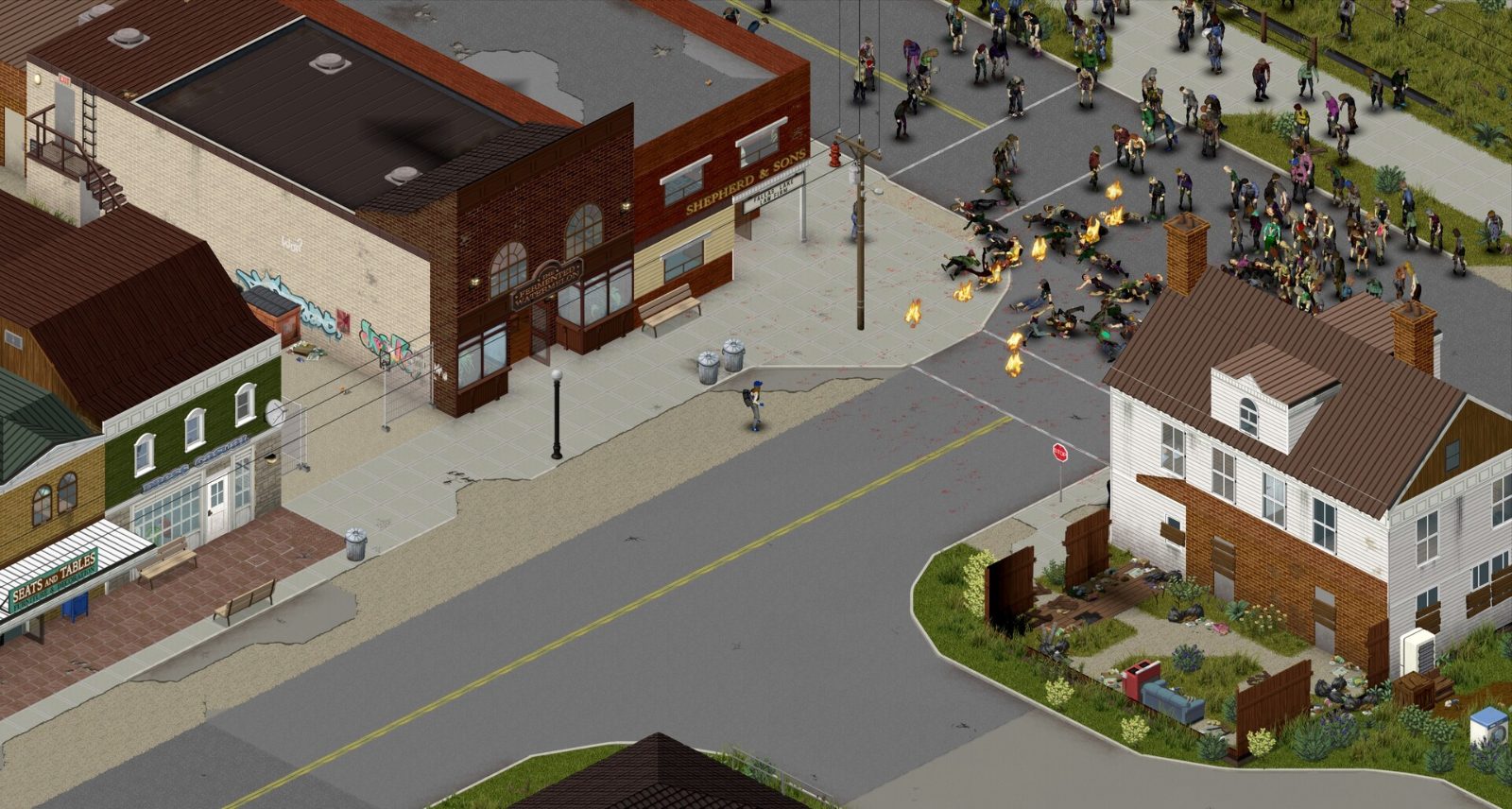
A horde of zombies streaming down a small-town street
Set the population before the horde sets it for you
01Step

Which kind of server?

Host from the game

Click Host in the main menu. Easy, free, and the world only exists while you are playing. Good for friends.

Dedicated server

Runs on its own, 24 hours a day, on your PC, a spare machine or a rented host. Needed for anything public or always-on.

Build 42 servers can hold up to 254 players since hotfix 42.20.3, and admins can still join when the server is full.

02Step

Host from the game

  1. Main menu → Host → create a new server.
  2. Name it, set a password, and pick the game mode or tweak the sandbox settings.
  3. Set the maximum players and whether PVP is on.
  4. Start. Friends join through the server browser or by IP. Forward ports 16261 and 16262 (UDP) on your router if they are outside your network.

Your PC has to run the game and the server at once. Give it memory, and expect the host to have the smoothest ride.

03Step

A dedicated server

  1. Install SteamCMD, then the server: app ID 380870. Build 42 is the public branch, so no beta flag is needed. Example: steamcmd +login anonymous +force_install_dir /opt/pz +app_update 380870 validate +quit
  2. Start it: ./start-server.sh -servername "servertest" on Linux, or StartServer64.bat on Windows. The first run creates the settings files and asks for an admin password.
  3. Settings live in Zomboid/Server/ as servertest.ini (or your server's name) plus a sandbox file.
  4. Forward ports 16261 and 16262 (UDP). Give the server plenty of RAM; a small group is fine on a few GB, big modded servers want much more.
  5. Rented hosts do all of this through a control panel, which is the easy route if you do not want to run a machine.
04Step

The settings that matter

  • ServerName, Public, Password: whether it appears in the browser and who can get in.
  • MaxPlayers: up to 254. Start small; every player costs CPU and memory.
  • PVP and SafeHouse options: whether players can hurt each other and claim buildings. 42.21 closed several safehouse exploits.
  • Zombie population, respawn, loot: the sandbox file. Apocalypse has no zombie respawn by default; public servers often turn it on.
  • Show coordinates: a 42.20 option to show or hide every player's position.
  • Anti-cheat: reworked and switched back on in 42.20, expanded in 42.21. Leave it on.
05Step

Mods on a server

  • Two lists must match: WorkshopItems (the Workshop IDs) and Mods (the mod IDs). A mod in one list but not the other does nothing.
  • Every player needs the same mods. The game downloads Workshop mods automatically when they join.
  • Many Build 41 mods are not Build 42 ready. Test on a fresh save, add mods one at a time, and keep the list short.
  • Java mods: The Indie Stone does not support them, and updates can break them without warning. Only install from authors you trust, and prefer open-source mods. Fourteen malicious mods were pulled from the Workshop in April 2026.
06Step

Builds and branches

  • Everyone must match. A player on Unstable cannot join a Stable server, and a Build 41 player cannot join Build 42.
  • Build 41 worlds need a Build 41 server on the legacy41 branch. Saves do not convert.
  • Unstable (currently the test branch for the next update) is for testing, not for your main server. From now on every update goes to Unstable first, then Stable.
  • Keep Build 41 and Build 42 in separate folders if you run both.
07Step

Backups and upkeep

  • Back up before every update. The save folder is Zomboid/Saves/Multiplayer/; the settings are in Zomboid/Server/. Build 42 saves cannot be downgraded.
  • Restart on a schedule. Long sessions leak memory; 42.20.1 and 42.20.3 fixed the worst leaks, but a daily restart is still good practice.
  • If the server crashes on start after an update, disable mods, start once, then re-enable them one by one.
  • Read the patch notes after each update: several have changed server options or Lua behaviour.
+Ref

Config files: where everything lives

A dedicated server is controlled by a handful of files. Learn what each one does before you change anything.

Server INI

Zomboid/Server/<preset>.ini: server name, ports, password, Open or whitelist, PVP, safety, safehouse rules, Discord, RCON, backups and mods.

SandboxVars

<preset>_SandboxVars.lua: zombie settings, loot multipliers, power and water shut-offs, erosion, corpse cleanup, XP and world rules.

Spawn points

<preset>_spawnpoints.lua: concrete spawn locations. Custom map mods may need extra points.

Spawn regions

<preset>_spawnregions.lua: the named regions shown to players when they join.

Preset name

The default preset is usually called servertest. On Windows the folder is often C:\Users\<name>\Zomboid\Server\.

Host menu

In co-op, Host > Manage Settings writes the same INI and SandboxVars pair.

Build 42 saves are not compatible with Build 41. Run each as a separate world with its own config.

+Ref

Zombie population settings

These keys live in SandboxVars. The sample values below are the Apocalypse defaults on Build 42.19 unless noted.

Zombies (index)

1 = Insane, 2 = Very High, 3 = High, 4 = Normal, 5 = Low, 6 = None. Apocalypse uses 4.

PopulationMultiplier

Global density. Insane 2.5, Very High 1.6, High 1.2, Normal 0.65, Low 0.15, None 0.0. Custom decimals are allowed.

PopulationPeakMultiplier

How much denser the world gets by the peak day. Default 1.5.

PopulationPeakDay

The day the peak density is reached. Default 28.

RespawnHours

Hours between respawn checks. 0 turns timed respawn off, although migration can still move zombies around.

RespawnUnseenHours

How long an area must go unseen before it may respawn. Default 0.

RedistributeHours

How often zombies are redistributed. Example value 12.

FollowSoundDistance

How far zombies follow a sound. Example value 100.

RallyGroupSize

How large idle zombie clusters get outdoors. Example value 20.

ZombieLore

A separate table for speed, strength, toughness, transmission, sight and hearing. Use the in-game menus to set it.

Older tables that list Normal as 1.0x and Insane as 4.0x do not match Build 42.19. Trust the values above.

+Ref

Loot settings and respawn

Loot is set per category. The sample values are Apocalypse defaults; each category is a multiplier on how often those items appear.

FoodLootNew

0.8. General food.

CannedFoodLootNew

0.6.

WeaponLootNew

0.6. Melee and general weapons.

RangedWeaponLootNew

1.2. The one category above 1.

AmmoLootNew

0.6.

MedicalLootNew

0.6.

MechanicsLootNew, ToolLootNew, MaterialLootNew

0.6 each.

LiteratureLootNew, SkillBookLoot

0.6 each.

KeyLootNew

0.4.

Rarity factors

Insane through Abundant loot factors range from 0.05 to 3.0 and set the overall rarity tier.

Loot respawn and cleanup

HoursForLootRespawn

0 turns periodic container respawn off. A higher number sets the wait before looted containers can refill.

SeenHoursPreventLootRespawn

Stops respawn in recently visited areas when above 0.

MaxItemsForLootRespawn

Default 5. Containers holding at least this many items do not respawn.

ConstructionPreventsLootRespawn

Default true. Player construction and barricades block respawn.

SafehousePreventsLootRespawn

Set in the INI. When true, claimed safehouses get no loot respawn.

HoursForCorpseRemoval

Apocalypse value is 216, which is nine in-game days. Not "never".

HoursForWorldItemRemoval, WorldItemRemovalList

Control how ground clutter is cleaned up.

+Ref

PvP and safety systems

Decide your PvP policy before anyone creates a character, and publish it. These settings are in the INI.

Co-op PvE

Set PVP=false. Players cannot damage each other.

Safety-controlled PvP

PVP=true, SafetySystem=true, ShowSafety=true, SafetyToggleTimer=2, SafetyCooldownTimer=3. Players switch their own safety on and off with a short delay.

Unrestricted PvP

PVP=true with SafetySystem=false. Player damage is always on.

Non-PvP zones

Admins can place these from the Admin Panel, even when global PvP is on.

+Ref

Safehouses and factions

PlayerSafehouse

Lets players claim safehouses.

AdminSafehouse

When on, only admins can claim.

SafehouseAllowTrepass

Whether non-members can enter. (The engine spells it "Trepass".)

SafehouseAllowLoot

Whether non-members can take items.

SafehouseAllowFire

Whether fire can damage a safehouse.

SafehouseAllowRespawn

Whether members can respawn there after death.

SafehouseDaySurvivedToClaim

Minimum days a player must survive before claiming. Example 1.

SafeHouseRemovalTime

Real-world hours of inactivity before a member is removed. Example 144.

DisableSafehouseWhenOwnerConnected

While the owner is online, the house acts like a normal house.

SafehouseAllowNonResidential

Whether non-residential buildings can be claimed.

NoFire

When true, all fire is disabled except campfires, including Molotovs.

Faction settings

Faction, FactionDaySurvivedToCreate and FactionPlayersRequiredForTag. These are independent of safehouse claims.

+Ref

Access, accounts and admin commands

Open

Open=true lets players join without a pre-made account. false requires whitelisted accounts.

/adduser "name" "password"

Creates an account.

/removeuserfromwhitelist "name"

Removes a user from the whitelist.

/setaccesslevel "name" "level"

Sets Admin, Moderator, Overseer, GM or Observer. Example: /setaccesslevel "rj" "moderator".

/grantadmin "name"

Promotes to admin. Prefer /setaccesslevel when you want a specific level.

Admin Panel

Open it from the admin icon on the HUD control strip. It manages users, tickets, non-PvP zones, item lists and some sandbox options.

+Ref

RCON and Discord

RCON

  • Set RCONPort and RCONPassword only if you need remote console access, and use a strong password.
  • Leave RCON off when you do not use it. Do not expose its port to the public internet without network controls.

Discord (Build 42.19)

DiscordEnable

Turns on the global text chat link.

DiscordToken

Your bot token. Treat it as a secret.

DiscordChatChannel

Name of the chat channel.

DiscordLogChannel

Name of the log channel.

DiscordCommandChannel

Name of the commands channel.

Create the bot and channels in Discord first, then set the keys, restart, and confirm messages appear in the server log.

+Ref

Mods in the INI

  • WorkshopItems= is a semicolon-separated list of Workshop IDs. It downloads the content. Example: WorkshopItems=1234567890;0987654321
  • Mods= is a semicolon-separated list of mod IDs. It turns the mod folders on. Example: Mods=ModIdOne;ModIdTwo
  • One Workshop item can hold several mod IDs, and clients and server must match on both lists.
  • Add mods one at a time and test after each.
+Method

The safe way to change settings

  1. Stop the server.
  2. Back up the whole Zomboid folder.
  3. Edit one category of settings.
  4. Restart.
  5. Check the startup log for bind, UPnP or mod errors, and confirm the values loaded.
  6. Join with a normal, non-admin account to test.

Never edit live configuration files while the world is saving. Keep an offline copy of the full folder before any major change. The backup keys in the INI are BackupsCount, BackupsOnStart, BackupsPeriod and SaveWorldEveryMinutes.

+42.17

Sprinters, spawn towns and other multiplayer notes

  • Sprinters. Enable them with ZombieSpeedFiles=Sprinters in servertest.ini, or through Sandbox Options > Zombie Lore > Speed for a new game. Existing worlds can switch, but only newly generated chunks get the new population.
  • Performance. Sprinter pathfinding costs more CPU. Watch your server tick rate once you pass about 50 players, and start with a lower population multiplier.
  • Sandbox spawn towns. Brandenburg, Echo Creek, Ekron, Lake Ivy, Iverton, March Ridge and Valley Station became selectable in Sandbox mode. Survival and Apocalypse use the standard spawn system. Role-play servers can lock players to one town in the spawn config.
  • Wound infection. In the Apocalypse preset, Wound Infection Damage Factor went from 0.0 to 1.0, so untreated infected wounds can kill.
  • Fuel. Vehicles spawn with normal fuel. To get the old behaviour back, set VehicleEasyUse=false and FuelStationGas=Scarce.
  • Update command. app_update 380870 -beta unstable validate in SteamCMD for the Unstable branch.
  • Infected player characters now turn into zombies on death in multiplayer, and toggle-sitting works in co-op.
+Ref

Linux setup, step by step

You do not need to own the game to host. Install SteamCMD, then:

steamcmd +force_install_dir /opt/pzserver +login anonymous +app_update 380870 validate +quit
  • That installs the server, a bundled Java runtime (jre64/) and start-server.sh.
  • First boot: ./start-server.sh -adminpassword 'ChooseSomethingLong'. This creates the admin account and generates the config files.
  • Wait for SERVER STARTED in the console.
  • Stop with quit at the console. Killing the process can corrupt the world.
  • Firewall: ufw allow 16261/udp and ufw allow 16262/udp. Forgetting 16262 makes players time out on the loading screen. Behind CGNAT, port forwarding will not work.

Launch flags

-servername <name>

Selects the config and save profile. Default is servertest.

-cachedir=<path>

Root for configs, saves and logs. Default is ~/Zomboid.

-adminpassword <pw>

Sets the admin password on first boot.

-Xmx<size>

Java heap limit, for example -Xmx7g on a 10 GB machine.

Where the files are

  • ~/Zomboid/Server/servertest.ini
  • ~/Zomboid/Server/servertest_SandboxVars.lua
  • ~/Zomboid/Saves/Multiplayer/servertest/
+Ref

How much RAM you need

2 to 4 friends, vanilla

4 to 5 GB heap on a 6 to 8 GB machine. Runs, but with little headroom.

Up to about 10 players, light mods

6 GB heap on 10 GB. The practical entry point.

10 to 20 players, a real mod list

8 to 9 GB heap on 12 GB. Where most settled groups belong.

20 or more, heavy mods, old world

11 to 12 GB heap on 16 GB.

  • The base simulation costs about 6 GB before any mods load. Item-heavy and map-expansion mods use the most; one map mod can add about 1 GB.
  • Budget about 0.5 GB per player beyond the base as a planning figure.
  • Keep the heap below machine RAM and leave about 3 GB for everything else. Setting the heap to all of RAM risks the OOM killer ending the server mid-save.
  • Too little heap shows up as periodic garbage-collection stutter, not a crash. Swap is no substitute: heap swapped out during GC causes multi-second freezes.
  • Size for month three, not day one. Measure peak memory on your busiest session and add about 20 percent.
  • 8 GB machines have been killed while generating a new world. 10 GB is the stated minimum.
+Ref

Day-to-day operation

  • Run /save before any restart or backup. A clean quit saves too; kill -9 does not.
  • Back up the save folder and both config files before mod changes and updates.
  • Restart nightly in quiet hours to manage heap pressure.
  • Common INI keys: PublicName, Public, Password, MaxPlayers, PVP, PauseEmpty, Open, Mods, WorkshopItems. Mod lists use semicolons, not commas.
  • Log in as admin in-game for the panel, or run /setaccesslevel <user> admin from the console.
  • Server updates can break mods or strand players on older clients. Announce them.
+Fix

Troubleshooting a server

  1. Friends cannot connect: forward UDP ports 16261 and 16262 on your router and allow them through your firewall.
  2. Version mismatch: players and server must be on the same branch and build.
  3. Mod errors: every player needs the same mods installed as the server.
  4. Server will not start: re-run the SteamCMD update and check the start script and server name.
  5. Lag or desync: reduce mods and player count, and restart on a schedule.
  6. Lost progress: back up the saved server folder regularly.
08Q&A

Quick answers

How many players can a Build 42 server hold?

Up to 254 since hotfix 42.20.3. Hardware, not the game, is the real limit.

Which ports do I open?

16261 and 16262, UDP, on your router or host firewall.

Can Build 41 players join my Build 42 server?

No. Everyone must be on the same build and branch. Run a separate legacy41 server for Build 41.