Latest
Oct 27 · 42.22 pre-release: ladders and crowbar break-insOct 23 · First-person mods are not officially supportedOct 21 · The Indie Stone on Java mods: download responsiblySep 28 · Build 42.21 Stable: zombie duplication fixesAug 26 · Security fixes on every branchAug 17 · Servers now handle up to 254 playersJul 29 · Build 42 goes Stable

Controls

Every default key in Project Zomboid on keyboard and mouse, the controller layout, and the two new actions on the 42.22 Pre-Release branch. Everything here can be rebound under Options, Key Bindings; if your list differs, the game is right and we are out of date. Updated for Build 42.21 Stable and 42.22 Pre-Release, November 2026.

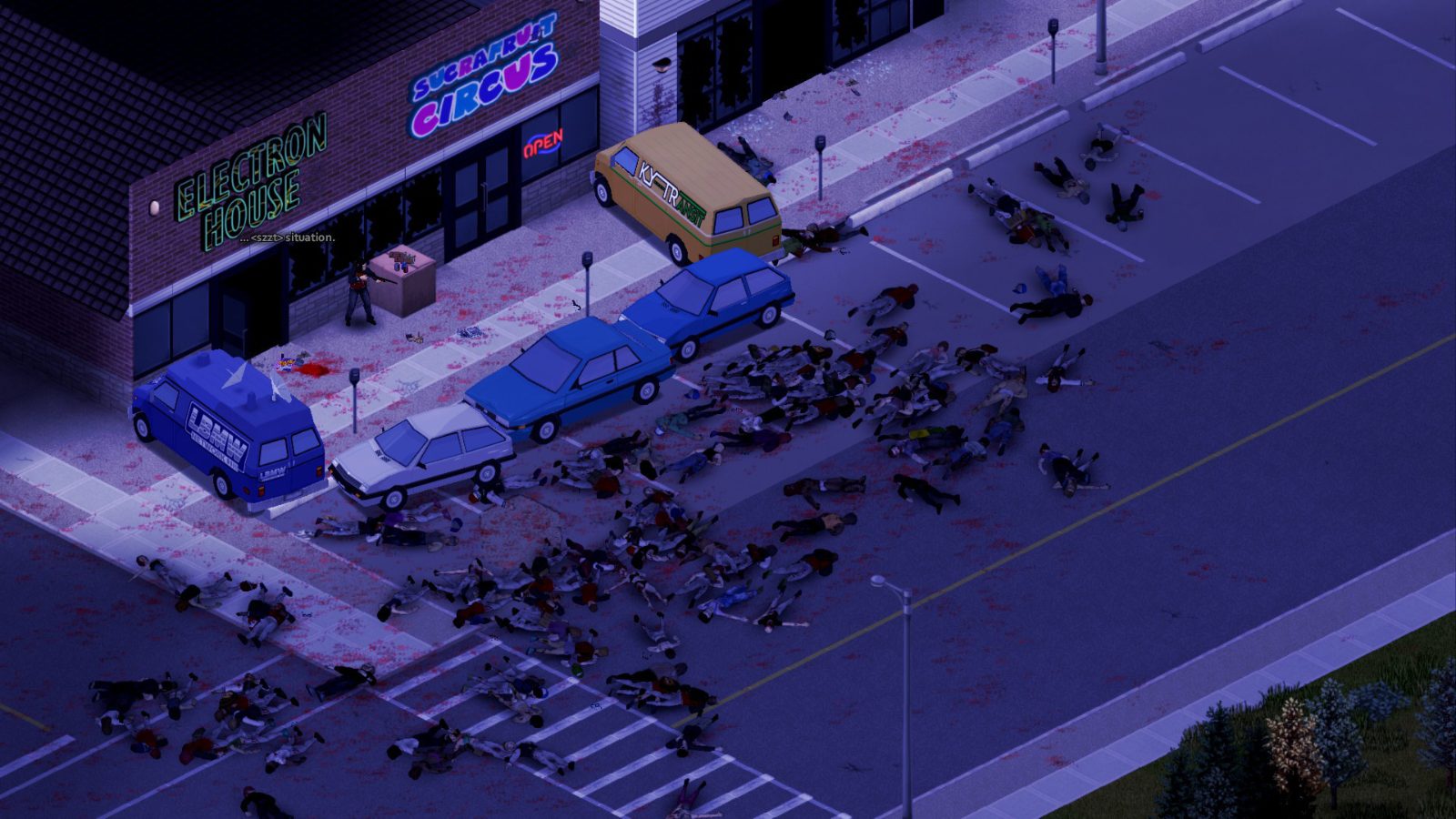
A dark street
Learn Space, C and I before anything else
01Part

Moving

KeyActionNotes
W A S DWalk
Left ShiftRunFaster than walking, costs endurance
Left AltSprintCmd on macOS. Burns endurance fast
CSneak (toggle)Quieter and harder to spot
YWalk toClick a spot and the character walks there
EInteractDoors, windows, containers, switches; hold for repeat actions
EscCancel actionOpens the menu when nothing is queued
TabBuild / place modeNot the inventory
Mouse wheel, = and .Zoom
02Part

Fighting

KeyActionNotes
Left mouseAttackSwing or fire
Right mouse or Left CtrlAimHold. Required to fire guns and throw
SpaceShove / stompShoves a standing zombie, stomps a downed one
Left Alt (with a weapon)Floor attackManual attack at a zombie on the ground
RReloadHold for the weapon menu
XRack firearmChambers a round; clears a jam
QShoutPulls zombies toward you. Hold for the emote wheel

The single habit that keeps people alive: Space first, then swing at the zombie on the floor. See weapons and zombies.

03Part

Panels and the screen

KeyActionNotes
IInventory and loot
BCrafting
LSkillsXP and levels
HHealthEvery wound and body temperature
JCharacter info
PClothing protectionBite and scratch cover per body part
MWorld map
EndSearch ModeForaging. Rebind on laptops
F1Survival guide
F2 to F6Pause and game speedSingle player only
KFPS counter
F10Screenshot

Panels explained: moodles, health, skills, crafting, foraging.

04Part

Driving

KeyActionNotes
NStart engineNeeds a key or a hotwire
W A S DDrive, brake and steer
SpaceBrake
Left ShiftCruise control
FHeadlights
QHornEvery zombie in town will hear it
OHeater
UVehicle info and mechanicsParts and condition
VVehicle radial menu
ZSwitch seat

Which car to take and how to fix it: vehicles and mechanics and every vehicle.

05Part

Hotbar, lights and multiplayer

KeyActionNotes
1 to 8Hotbar slotsHold on an empty slot for the attach wheel
FTorch or held light on/offHold for the light wheel
V (near animals)Animal radial menuBuild 42 animals
T or EnterChatTab switches chat stream
GPvP safety toggleWhen the server allows PvP
Toggle UIHide the interfaceUnbound by default; set it in Options

Server setup and voice: multiplayer and hosting a server.

06Part

New in 42.22 Pre-Release

KeyActionNotes
E at a ladderClimbOnly ladders already placed on the map. Zombies cannot follow. Crafting your own ladder is not in this update
Right-click a locked door, window, garage door or gateForce it with a crowbarStrength sets the odds; each failure risks damaging the crowbar. Security doors and cell doors cannot be forced. Burglars are quieter and better at it

These are on the opt-in Pre-Release branch only. Stable is still 42.21. Full notes: 42.22 patch notes.

07Part

Controller

ButtonActionNotes
Left stickWalk; push further to run
Right stickAim
L3 (press left stick)Sneak (toggle)
R3 (press right stick)Sprint
AInteract
BCancel; close panels
XContext menu and quick loot
YInventory
LTShove / stomp
RTAttack and fire
LBRack firearm
RBReload
D-padMenus and radial wheels
View / BackRadial menu
StartPause and menu

This is the Default controller preset; an Original preset with the older layout is also offered. Prompts show Xbox buttons even on a PlayStation pad. The game is on PC only, so the controller is for couch or Steam Deck play.

08Part

Rebinding tips (our opinion)

OpinionWhat we change on a fresh install.

  • Move Search Mode off End if you play on a laptop. Anything near WASD works.
  • Bind Toggle UI to a spare key for screenshots and night drives.
  • Put Shout somewhere you will not hit by accident. Q next to W gets people killed.
  • Give the torch its own hotbar slot so F is never a hunt in the dark.
  • After an update, open Key Bindings once. New actions arrive unbound or on keys you already use.
09Part

Quick answers

What is the inventory key in Project Zomboid?

I opens and closes the inventory and loot panels. Tab is not inventory: it toggles build and place mode, and switches chat stream when chat is open.

How do you sprint in Project Zomboid?

Hold Left Alt to sprint (Cmd on macOS). Left Shift runs, which is slower and costs less endurance.

How do you sneak or crouch?

Press C to toggle sneaking. Combine it with walking for the quietest movement.

How do you shove a zombie?

Space shoves a standing zombie and stomps one on the ground. It is the most useful key in the game.

How do you start a car in Project Zomboid?

Sit in the driver seat with the key or a hotwire, then press N. F toggles headlights, Space brakes, Z switches seat.

How do you climb a ladder in Project Zomboid?

On the 42.22 Pre-Release branch, stand at a ladder already placed on the map and press E. Zombies cannot follow. Stable (42.21) has no climbable ladders yet.

What key is Search Mode?

End toggles Search Mode for foraging. Laptops without an End key should rebind it in Options.

Can you change the controls?

Yes. Options, then Key Bindings (keyboard) or Controller. The in-game list is the final word for your build.
Keyboard defaults from the Build 42 key bindings list as published by pzfans.com (verified for 42.20.4) and BisectHosting (Build 41 list; unchanged keys only). Controller from pzfans.com's Default preset. 42.22 ladder and crowbar actions from The Indie Stone's 42.22 Pre-Release notes as reported by outputlag.com. Your in-game Options are authoritative.