Latest
Oct 27 · 42.22 pre-release: ladders and crowbar break-insOct 23 · First-person mods are not officially supportedOct 21 · The Indie Stone on Java mods: download responsiblySep 28 · Build 42.21 Stable: zombie duplication fixesAug 26 · Security fixes on every branchAug 17 · Servers now handle up to 254 playersJul 29 · Build 42 goes Stable

Debug mode, cheats and admin commands

Debug mode is the developer menu built into Project Zomboid. It is the only built-in way to cheat in single player. On a server the same jobs are done with admin commands. This page covers how to switch it on, what the menu holds, the commands, and the risks. Updated for Build 42.21 Stable and 42.22 Pre-Release, November 2026.

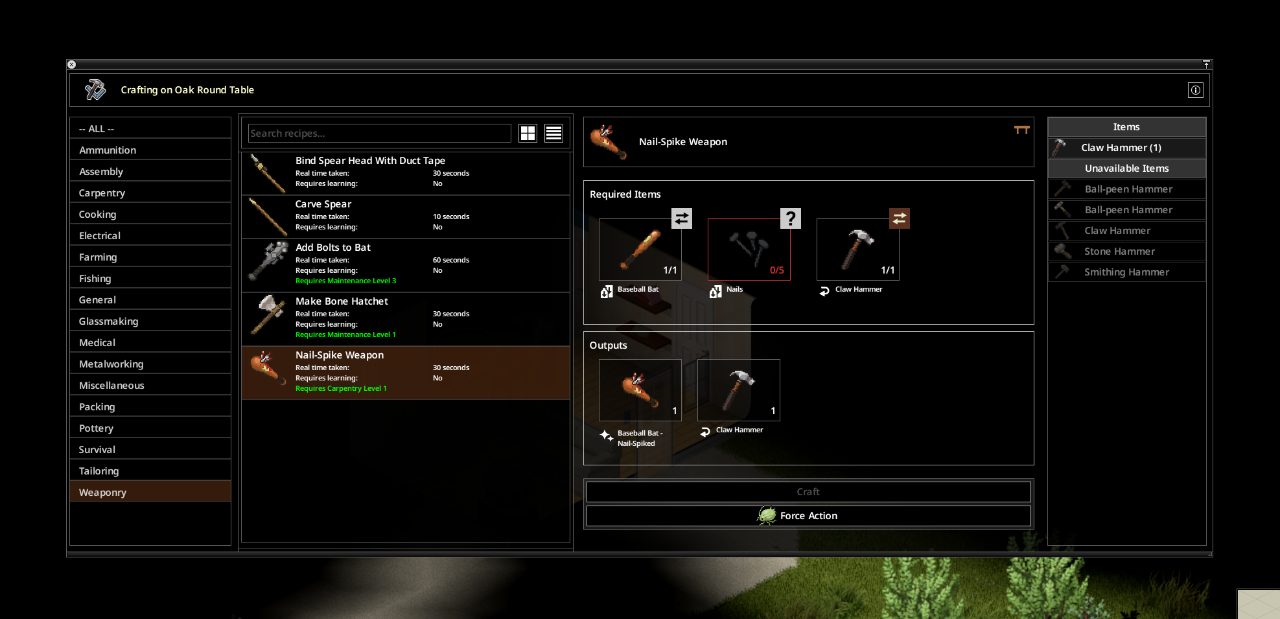
A crafting menu
Debug mode adds its own panels on top of normal game windows like this one. · Official image, The Indie Stone
01Part

How to turn debug mode on

  1. In your Steam library, right-click Project Zomboid and open Properties.
  2. On the General tab, find Launch Options and type -debug.
  3. Start the game and load a save. A bug icon appears on the left sidebar; click it to open the menu.

If you already use Java memory arguments, they go first, then two dashes, then the flag, for example -Xmx8g -- -debug (one source). A Reset Lua button on the main menu is a sign the flag worked (one source). On a non-Steam copy, add the same flag to the shortcut or launcher arguments (one source). No guide we read reports a change to this method in Build 42.

02Part

What the debug menu holds

AreaWhat it does
General debuggersGame, Moodles and Body, Blood, Search Mode and the Cheats window
Climate debuggersWeather effects panel, weather plotter, daily values and thunder
Player's StatsEdit XP, skill levels, traits and profession
Items ListSearch every item in the game and spawn it
Dev toolsZombie population, chunk debugger, map and vehicle editors, animation viewer
Right-click a tileTeleport by coordinates, Brush Tool, destroy the tile, edit an item

One Build 42 guide also lists newer panels: Craft Recipes, Fluids, Entities, Script Manager, Recipe Monitor and Sandbox Settings (one source). Two hotkeys are worth knowing: F11 opens the Lua debugger, and T in the map debugger teleports you to the cursor without asking first.

03Part

The cheats list

The Cheats window is a list of tick boxes. The named ones are:

  • God Mode, Ghost Mode, Invisible and No Clip
  • Build Cheat and Know All Recipes
  • Unlimited Endurance, Unlimited Carry and Unlimited Ammo
  • Health, Farming, Mechanics, Moveable and Animal cheats

One guide counts 24 boxes in the Build 42 window and says they only apply after you press Save (one source). We could not confirm a cheat called Fast Move or a separate horde-spawner panel in any source; zombies are handled from the Zombie Population tool and a right-click menu.

04Part

Admin commands on a server

Slash commands need a server and an access level, so they do nothing in single player. Type them in chat with a slash, or in the server console without one. The syntax below is where the official wiki and a 42.19 command list agree.

CommandWhat it does
/setaccesslevel "user" "level"Sets a player's role
/additem "user" "Module.Item" countGives an item; the count is optional
/addvehicle "script" "user"Spawns a vehicle at a player
/addxp "player" Perk=xpAdds skill XP
/godmode "user" -trueMakes a player invulnerable; -false turns it off
/invisible and /noclipSame pattern as godmode
/teleport "p1" "p2"Moves one player to another
/teleportto x,y,zMoves you to coordinates
/createhorde count "user"Spawns zombies near a player
/chopper, /gunshot, /alarmTrigger the helicopter, a gunshot or a building alarm
/startrain, /stoprainWeather control
/servermsg "text"Broadcast to everyone
/kickuser "user" -r "reason"Kick a player
/banuser "user" -ip -r "reason"Ban a player
/save, /quit, /playersSave the world, stop the server, list players
/changeoption name "value"Change a server option
/showoptions, /reloadoptionsList or reload the options

What changed in Build 42: multiplayer arrived with Unstable 42.13 in December 2025, and access levels became editable roles built from capabilities. Two Build 42 guides list the roles as admin, moderator, gm, observer, priority and user. /setaccesslevel still exists.

Where sources disagree: most write /godmode, one insists on /godmod, and one lists both, so try /godmode first. Use /kickuser, not /kick. One host says most servertest.ini changes still need a restart (one source). For setting up a server, see hosting a server and multiplayer.
05Part

Item IDs and skill names

Item IDs use the form Module.Item and are case-sensitive: Base.Axe works and base.axe does not. Example: /additem "name" Base.Axe 3. Vehicles use IDs such as Base.VanAmbulance. Build 42 renamed and split many items, so Build 41 ID lists can fail. Our item database lists current items.

Skill names for /addxp differ from the names on screen. From one guide:

GroupIDs
CombatAxe, Blunt, SmallBlunt, LongBlade, SmallBlade, Spear, Maintenance, Aiming, Reloading
PhysicalFitness, Strength, Sprinting, Lightfoot, Nimble, Sneak
CraftingWoodwork (Carpentry), Cooking, Farming, Electricity, MetalWelding, Melting, Mechanics, Tailoring
SurvivalDoctor (First Aid), Fishing, Trapping, PlantScavenging
Build 42Blacksmith, Masonry, Pottery, Carving, FlintKnapping, Glassmaking, Tracking, Husbandry, Butchering

Example: /addxp "name" Woodwork=2. If you type a wrong ID, the server prints the valid list (one source).

06Part

Risks and rules

  • Use a backup or a throwaway save. Spawned items, XP, built objects and sandbox edits stay in the save, and the dev tools can rewrite world data. See how to back up a save.
  • Saved cheat ticks can carry over into other solo saves you load while debug is on (one source).
  • A Lua error can pause the game inside the debugger.
  • Joining a server with -debug needs a permission that only admins have by default (one source).
  • The Indie Stone has asked players not to use debug mode in multiplayer because it hurts server performance.
  • The game has no Steam achievements, so debug mode locks you out of nothing.
07Part

Quick answers

How do I enable debug mode in Project Zomboid?

Add -debug to the Steam launch options, start the game, load a save and click the bug icon on the left sidebar.

Are there cheat codes in single player?

No. Slash commands need a server and an access level. In single player the debug menu is the built-in way to cheat.

Does debug mode disable achievements?

No. Project Zomboid has no achievements, so nothing is locked.

How do I spawn items?

In single player use the Items List in the debug menu. On a server an admin types /additem "name" Base.Axe 3.

How do I make myself admin on my server?

From the server console type setaccesslevel "name" admin, or have an existing admin run the command with a slash in chat.

Command syntax is where the official wiki and a 42.19 command list agree; items marked (one source) rest on a single guide. Sources: projectzomboid.wiki debug and console guide · PZFans debug guide · PZFans admin command list · PZwiki admin commands · The Indie Stone: Unstable 42 MP released. Your game is the final word: if it disagrees with us, tell us and we will fix the page.