01Item
Wooden Sign at a glance
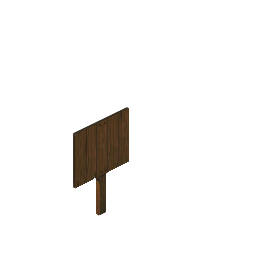
Buildable Miscellaneous
You build it from the building menu. Carpentry 1.
TypeBuildable
CategoryMiscellaneous
Skill neededCarpentry 1
Wooden Sign is something you build in the world in Project Zomboid, not an item you carry. Build 42.21 data, November 2026.
Buildable Miscellaneous
You build it from the building menu. Carpentry 1.
Wooden Sign is built in place, so it never sits in your inventory like a normal item. Gather the materials and tools in the recipe below, stand where you want it, and place it from the building menu.
More: Base building · Recipe database.
| Size | 1 tile |
| To build it | Carpentry 1 |
See base building for how furniture mode works.
Use the item ID in admin tools and mods.
| Item ID | Type |
|---|---|
Base.WoodSign | Buildable |
| Recipe | Ingredients (used up) | Tools (kept) | Requirements |
|---|---|---|---|
| Wooden Sign Built in the world | 3 × Plank; 3 × Nails | any hammer | Carpentry 1 |
From the building menu. It uses: 3 × Plank; 3 × Nails. Carpentry 1.
Base.WoodSign.
Names, IDs and recipes from the Build 42 game data as listed on pzfans.com. Item art is from Project Zomboid. Furniture and tile details from PZwiki (CC BY-SA).