Latest
Oct 27 · 42.22 pre-release: ladders and crowbar break-insOct 23 · First-person mods are not officially supportedOct 21 · The Indie Stone on Java mods: download responsiblySep 28 · Build 42.21 Stable: zombie duplication fixesAug 26 · Security fixes on every branchAug 17 · Servers now handle up to 254 playersJul 29 · Build 42 goes Stable

In-game maps and annotated maps in Project Zomboid

This page covers maps as items and as a screen in Build 42. It explains how the world map fills in, where town maps spawn, what annotated survivor maps lead to, how to write your own marks, and how the minimap and multiplayer settings work. Written for Build 42 (42.22), November 2026.

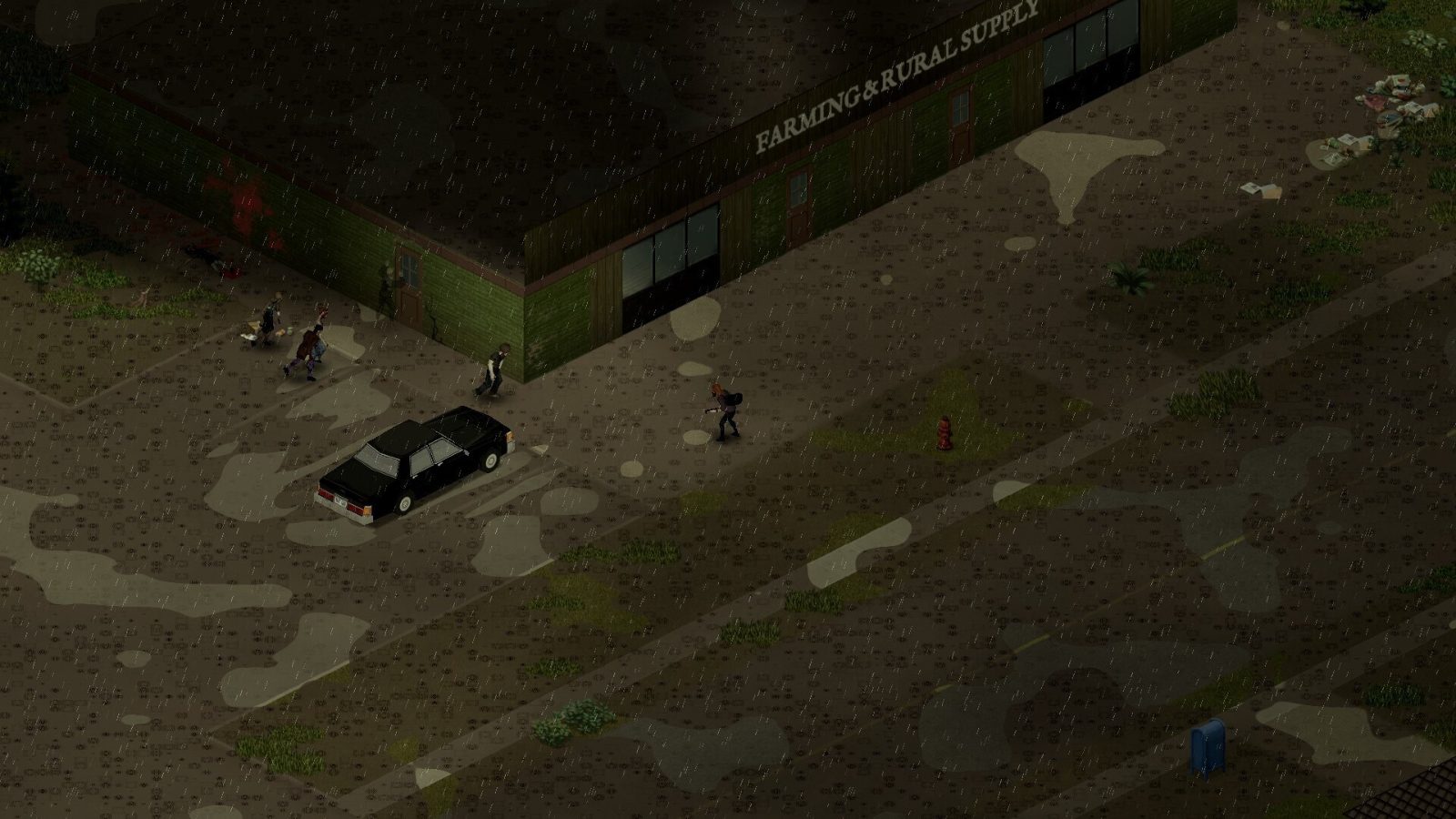
An overgrown lot in Project Zomboid
A town map read under a light adds that town to your world map.
01Part

The world map and how it fills in

Press M to open the world map (the default key, see controls). In Build 42 the map does not start complete. On every built-in preset the sandbox option All Known On Start is off, so you begin with only the ground around your spawn and the rest is blank.

The map fills in two ways:

  • Walking or driving. Ground you have been near is drawn in and stays drawn.
  • Reading print. Reading a paper town map, or a flier, adds an area you have not visited. Areas learned from paper are drawn darker than areas you have seen yourself (one source).

By default the map needs light. With Light Needed To Read Map on, opening it in the dark gives a "too dark to read" message, so carry a light source at night. Build 42 also added street names to the map during its unstable phase.

This site's interactive map is separate: it shows all of Knox Country whatever your character has seen.

02Part

Sandbox options for the map and minimap

Four options control map visibility. They sit in the in-game map group of custom sandbox settings. Two Build 42 references agree on the defaults below.

OptionWhat it doesApocalypseRising and Outbreak
Allow World MapLets you open the world map at all. If off, there is no map icon and no minimap.OnOn
Allow Mini-MapMakes a minimap window available.OffOn
All Known On StartFills in the whole world map from day one.OffOff
Light Needed To Read MapBlocks the world map in darkness.OnOn

Extinction and Six Months Later match Apocalypse on all four. A fifth option, Annotated Map Chance, is in the loot group and is covered below.

To use the minimap where it is allowed, hold M for about half a second and pick Show/Hide Mini-Map from the radial menu, or use the minimap button beside the map icon on the left of the screen. There is no separate minimap key. It only draws what your world map already knows and shows no zombies or loot.

03Part

Lootable town maps and where they spawn

A town map is a paper item weighing 0.1. Right-click it and read it, then reopen the world map: the town is now drawn in.

The item list below is the long-standing set. The spawn chances come from a wiki page last revised for Build 41, so treat the percentages as a guide to which maps are common, not as Build 42 values.

Map itemArea coveredWhere it spawns
March Ridge MapMarch RidgeGas station and store shelves, glove boxes, zombies. The more common tier: 11.21% on many store shelves in Build 41 (one source)
Rosewood MapRosewoodSame as March Ridge (one source)
Riverside MapRiversideSame as March Ridge (one source)
Muldraugh MapMuldraughSame containers, lower chance: 4.44% in most of them in Build 41 (one source)
West Point MapWest PointSame as Muldraugh (one source)
Louisville Map 1 to 9One of nine sections of Louisville eachSame containers, lowest chance of the set (one source)
Maps for the Build 42 western townsNot confirmedNot confirmed. One guide says these towns may use borrowed placeholder items (one source)

The nine Louisville maps share a name in the inventory, so you only learn which section one covers by reading it (one source). The same Build 41 page says Valley Station and Fallas Lake had no map item.

Where to look, in rough order of how well it is sourced:

  • Gas stations and stores. Shelves, crates and magazine racks. Two sources.
  • Vehicle glove boxes. Police, fire, ambulance and taxi cars are named, among others. Two sources. See vehicles.
  • Zombie corpses. Two sources.
  • Garages, storage units, closets and tool cabinets. (one source)
  • Bookstores, schools, post offices and offices. (one source)
  • Mailboxes. Often repeated by players, but we could not confirm it for Build 42.

See loot locations and the loot tables for the buildings.

04Part

Annotated maps: stashes, safehouses and traps

An annotated map is a town map with a dead survivor's marks on it: circles, arrows and short notes. The marks point at a real building. How often a looted map is annotated is set by Annotated Map Chance, which is Sometimes on Apocalypse, Often on Outbreak and Extremely Rare on Extinction. Setting it to Never removes them.

The content is not sitting in the world from day one. According to one detailed guide, the game works like this (one source):

  1. A looted map rolls against Annotated Map Chance.
  2. If it passes, the game picks one unused stash definition for that town.
  3. You read the map.
  4. The first time the marked building loads after that, the stash is applied to it.

The practical rule from this is to read the map before you go inside the marked building. The same guide says walking the interior first can use up or skip the spawn, and that some stashes can only roll from maps carried by zombies.

Annotation typeWhat you findWatch for
SignpostA note about a place such as a hospital or storage yardOften no extra loot (one source)
CacheA duffel bag or crate added to a house, sometimes richer kitchen and bathroom containersExtra zombies inside
Survivor safehouseA boarded-up house stocked with weapons, food and toolsTraps, and you need tools to get through the barricades
Building rewriteA whole block rolls extra loot, as with Map 9 in March RidgeLarge zombie count

That guide counts 10 annotated maps for March Ridge and 16 for Louisville (one source). Notes can mislead: a marked vehicle is not guaranteed to be there.

05Part

Writing your own symbols and notes

Open the world map, or right-click a paper map, and use the symbols panel. You need a writing tool in your inventory. Sources name pencils, pens, crayons and markers. Without one, the tools stay locked.

  • Add a symbol or note: any writing tool.
  • Remove a mark: an eraser.
  • Move or edit a mark: a writing tool and an eraser together.

There are more than 40 symbols, including houses, skulls, arrows and traps (one source). Build 42 added text layers, resizing and rotating of marks, and duplicating a mark (one source). Paper maps can be renamed in the inventory.

06Part

Maps in multiplayer

On a server the host's sandbox decides whether the world map and minimap exist. Clients cannot override it. See hosting a server.

Whether other players appear on your map is a server option with four levels in Build 42: hidden (the default), friends, friends and nearby players, or everyone (one source). Older Build 41 guides describe three levels. The minimap settings in multiplayer include a checkbox for other players' shared marks (one source), but we could not confirm exactly how symbol sharing is set up in 42.22.

A paper map is a normal item. You can hand one to a teammate or leave it in a base crate. For stash maps, one guide warns that the first player to load the building triggers it, so agree who goes.

07Part

Using maps to plan loot routes

Opinion Pick up every town map you see in the first week. Each one weighs 0.1 and saves you from driving blind into a town center.

Opinion Mark as you go, not afterwards. A simple legend is enough: base, fuel, books, medical, danger, cleared. Then plan each run as a loop that ends at your base, with fuel as the first stop and the heaviest loot last.

Opinion Treat an annotated safehouse as a raid, not a free pickup. Scout it in daylight, bring a tool to remove boards, and expect more zombies than the street suggests. Caches marked near gun stores pair well with the stops in gun locations.

08Part

Quick answers

How do I open the map in Project Zomboid?

Press M, the default key. If nothing opens, the Allow World Map sandbox option is off for that world or server.

Why is my map mostly blank in Build 42?

All Known On Start is off on every built-in preset, so the map only shows places you have visited or learned from a paper map or flier. Turn the option on in custom sandbox before creating the world to see everything.

Where do I find town maps?

Gas station and store shelves, vehicle glove boxes and zombie corpses are the best confirmed sources. Bookstores, schools, post offices and offices are named by one guide.

Do I need a pen to write on the map?

Yes. You need a pencil, pen, crayon or marker in your inventory to add marks, and an eraser to remove them.

Should I read an annotated map before visiting the building?

Yes. One detailed guide says the stash is applied when the marked building first loads after the map has been read, and that entering first can waste it.

How do I turn on the minimap?

Hold M and choose Show/Hide Mini-Map, or use the minimap button by the map icon. It only exists if Allow Mini-Map is on, which is off on Apocalypse and on for Rising and Outbreak.

Sandbox defaults come from two Build 42 references that agree. Map item spawn chances are from a wiki page revised for Build 41.78 and the stash spawning steps are from a single Build 42 guide, so both are marked as one source. Sources: Pindrop sandbox settings (Build 42) · projectzomboid.wiki annotated maps guide · PZwiki Map (item), revised for 41.78.16 · PZFans minimap guide · PZFans how to use the map. Your game is the final word: if it disagrees with us, tell us and we will fix the page.