Latest
Oct 27 · 42.22 pre-release: ladders and crowbar break-insOct 23 · First-person mods are not officially supportedOct 21 · The Indie Stone on Java mods: download responsiblySep 28 · Build 42.21 Stable: zombie duplication fixesAug 26 · Security fixes on every branchAug 17 · Servers now handle up to 254 playersJul 29 · Build 42 goes Stable

Playing Project Zomboid with a controller

This page explains how far controller support has come in Build 42, how to connect a pad, and which default bindings sources document. It also covers radial menus, split-screen co-op, Steam Input and the parts of the game that are still slow on a gamepad. Written for Build 42 (42.22), November 2026.

The inside of a nightclub in Project Zomboid
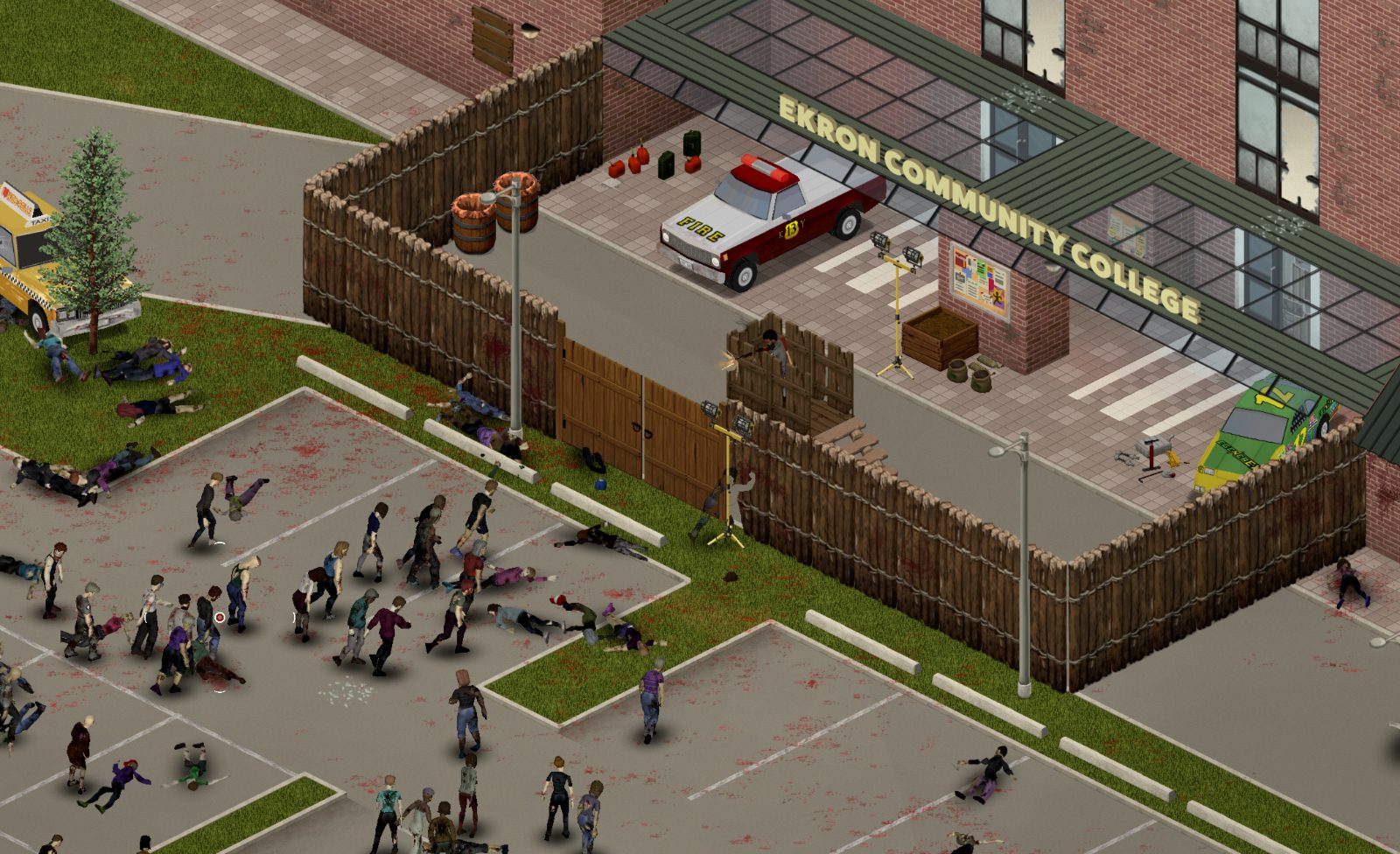
A survivor on a gamepad, with button prompts shown on screen.
01Part

How good is controller support in Build 42

Project Zomboid has supported gamepads since Build 41, but Build 42 started from a weaker position. When the Build 42 unstable branch opened in December 2024, The Indie Stone said Steam Deck and controller input was still a work in progress and not recommended for play. Much of that changed later. The 42.19 patch notes list controller re-mapping, a new gamepad customization screen, and a long run of fixes for the world map, crafting stations, the Build window and local split-screen. The 42.20 release notes, which put Build 42 on the stable branch, promise further controller work during later patches.

In practice you can now play a full Build 42 game on a pad. Moving, fighting, looting and driving work well. Menus that were designed for a mouse, such as crafting, building and the map, still take longer. The tutorial still warns that it does not fully work with a controller (one source), so new players are better off learning in a quiet sandbox game. See Build 42 overview and patch notes for the wider change list.

02Part

Connecting Xbox, PlayStation and other pads

The Steam store page still describes support as Xbox controller support on Windows, with other gamepads set up manually. In Build 42 most players simply plug in a pad and enable it in the game.

  1. Connect the pad before you launch the game.
  2. Open Options, then the Controller tab, and tick the pad in the device list.
  3. Pick a Controller Button Style. Sources list Xbox, PlayStation and SteamDeck as built-in choices, so PlayStation glyphs need no mod.
  4. Set the stick deadzone if your character drifts, and use the test panel to confirm every button registers.
  5. If the pad is not detected, reconnect it, tick it again and press the reload button for controller config files.

The Controller tab also holds the Binding Editor with two presets, Default and Original. Bindings you change here override any chart, including the one on this page. For keyboard and mouse defaults, see controls.

03Part

Default gamepad bindings as documented

The table uses Xbox names. On a PlayStation pad, A is Cross, B is Circle, X is Square, Y is Triangle, LB/RB are L1/R1 and LT/RT are L2/R2. The Build 42 column comes from fan guides that checked the Default preset in 42.19 to 42.21. The Build 41 column comes from an older guide and has not been confirmed for Build 42.

InputBuild 42 Default presetBuild 41 era guide (unverified for B42)
Left stickMove; push further to runMove
Right stickAim and faceAim; also steers radial menus
AInteract (doors, windows, seats, objects)Interact
BCancel action, close panelsSecond interact
XNot listed in B42 guidesContext menu, quick loot or drop
YNot listed in B42 guidesOpen inventory
LTMelee: shove, stomp, floor attacksShove and stomp
RTAttack and precision aimFire or attack
LBRack firearmSwitch tabs
RBReloadSwitch tabs
L3 (press left stick)Crouch or sneakWalk or run toggle
R3 (press right stick)SprintNot listed
D-padNavigate menus and listsNavigate context menus
View / BackNot listed in B42 guidesOpen radial menu
StartNot listed in B42 guidesPause and main menu

Two Build 42 guides agree that Walk To and Manual Floor Attack are unbound by default, and that the bumpers cycle tabs while an inventory or loot window is open. The Original preset changes three actions: Run moves to a light pull of RT, Sprint moves to B, and Precision Aim moves to the right stick. A one-source guide says these presets were changed again in 42.20, so check your own Binding Editor.

04Part

The radial menu system

Radial menus are pie-shaped menus that replace many mouse right-clicks on a pad. You open one, tilt the right stick toward a slice and confirm. The Build 41 era guide places the main radial on the View/Back button. Build 42 guides confirm that radial and context prompts take over from right-click menus, and the Build 42 Binding Editor lists a separate vehicle radial action. On keyboard the vehicle and animal radials sit on V, which tells you what a pad radial is used for: car functions such as engine, lights and seats, plus actions on nearby animals.

No source we could read lists the full contents of each radial in Build 42, or which button opens the vehicle radial by default. Open the Binding Editor once and note them before your first drive. Driving itself is covered in vehicles, and animal handling in animals.

05Part

Split-screen local co-op

Project Zomboid supports local split-screen co-op, and the store page lists it as a feature. Each extra player needs a pad.

StepWhat to do
1Enable every extra pad under Options, Controller before you start.
2Load the game and press a button on the second pad.
3Choose Add new player, then create or pick that survivor. A confirms, B closes.
4Take over player 1 only appears when an existing survivor has no pad.
5If a keyboard player loses control after a pad joins, re-add them with Add new player.

Sources do not state a hard cap clearly. One fan guide calls two pads the comfortable setup and four cramped (one source). The 42.19 patch fixed split-screen players not seeing each other, so update before a couch session. Opinion: two players on one large screen is the practical limit for a long Build 42 game, because each extra view shrinks inventory text. For online play with friends see co-op and multiplayer.

06Part

Steam Input and Steam Deck

The game reads pads natively, so Steam Input is optional. Guides agree on one rule: three input layers can conflict, namely Steam Input, the in-game controller settings and keyboard and mouse. Set your buttons in the in-game Binding Editor first and use Steam Input only to fill gaps, such as back grips for shove and sprint or a trackpad as a mouse for awkward menus. Community Steam Input layouts break easily after game updates.

On Steam Deck, the game can detect the Deck and enable controller focus on the main menu. Choose the SteamDeck button style so prompts match, and raise the UI scale in interface options if text is small. If you dock the Deck and want keyboard and mouse, disable the controller in Options for that session. A community launch option, SteamDeck=0, is a last resort (one source) and should be removed before handheld play.

07Part

What is awkward on a pad, and workarounds

  • Building. Placing walls and furniture means stepping a cursor tile by tile. Precise placement on a pad dates from Build 41.71, and 42.19 fixed the A button in the Build window ingredient panel. Opinion: plan the layout with the build planner before you start carpentry.
  • Crafting windows. Keyboard search and letter shortcuts have no direct pad equivalent. Use the bumpers to cycle categories and the X button to clear text boxes (added in 42.19). See crafting for station recipes.
  • The map. With the map focused, LT zooms out and RT zooms in (one source). The map got pad fixes in 42.19. Plan routes with in-game maps or on another screen.
  • Inventory juggling. Moving items between several containers is slower. Pause in single player while you sort loot.
  • Firearms. Stick aiming is less precise than a mouse. Practice on one or two zombies first, as described in firearms.
  • Sprint on B. In the Original preset B both cancels and sprints, so closing a menu can start a sprint. Move Sprint to R3.
08Part

Quick answers

Can you play Project Zomboid Build 42 with a controller?

Yes. Early Build 42 unstable builds were not recommended on a pad, but 42.19 added controller re-mapping and many fixes, and a full game is playable now. Crafting, building and the map are still slower than with a mouse.

Does a PS5 DualSense work in Project Zomboid?

Fan guides report that PlayStation pads work and that a PlayStation button style is built into the controller options. Valve's store page still only promises Xbox pads on Windows, so test yours in the controller test panel.

How do I add a second player in split-screen?

Enable the second pad in Options, Controller, load your game and press a button on that pad. Choose Add new player and create the survivor.

How do I change controller buttons?

Open Options, Controller and use the Binding Editor, added in 42.19. You can start from the Default or Original preset and change single actions from there.

Do I need Steam Input for Project Zomboid?

No. The game reads pads directly. Use Steam Input only for extras such as back grips or trackpad mouse, and keep its layout simple to avoid conflicts.

Does the tutorial work with a gamepad?

Not fully. The game warns that the tutorial does not work properly with a controller, so learn the basics in a calm sandbox game instead.

Build 42 bindings come from two pzfans guides checked against 42.19 to 42.21 and from the official 42.19 patch notes. The Build 41 column and radial menu buttons rely on an older guide and are not confirmed for Build 42. Sources: pzfans: Controller hacks (B42) · pzfans: Controller survival · 42.19 patch notes · Indie Stone: Build 42 unstable · BisectHosting: controls (B41). Your game is the final word: if it disagrees with us, tell us and we will fix the page.