Latest
Oct 27 · 42.22 pre-release: ladders and crowbar break-insOct 23 · First-person mods are not officially supportedOct 21 · The Indie Stone on Java mods: download responsiblySep 28 · Build 42.21 Stable: zombie duplication fixesAug 26 · Security fixes on every branchAug 17 · Servers now handle up to 254 playersJul 29 · Build 42 goes Stable

PvP in Project Zomboid

This page explains how player-versus-player works on Build 42 servers: the settings that control it, the safety toggle, factions and Non-PvP Zones. It also covers how player fights differ from zombie fights, what armor helps, and the etiquette and griefing rules most PvP servers use. Written for Build 42 (42.22), November 2026.

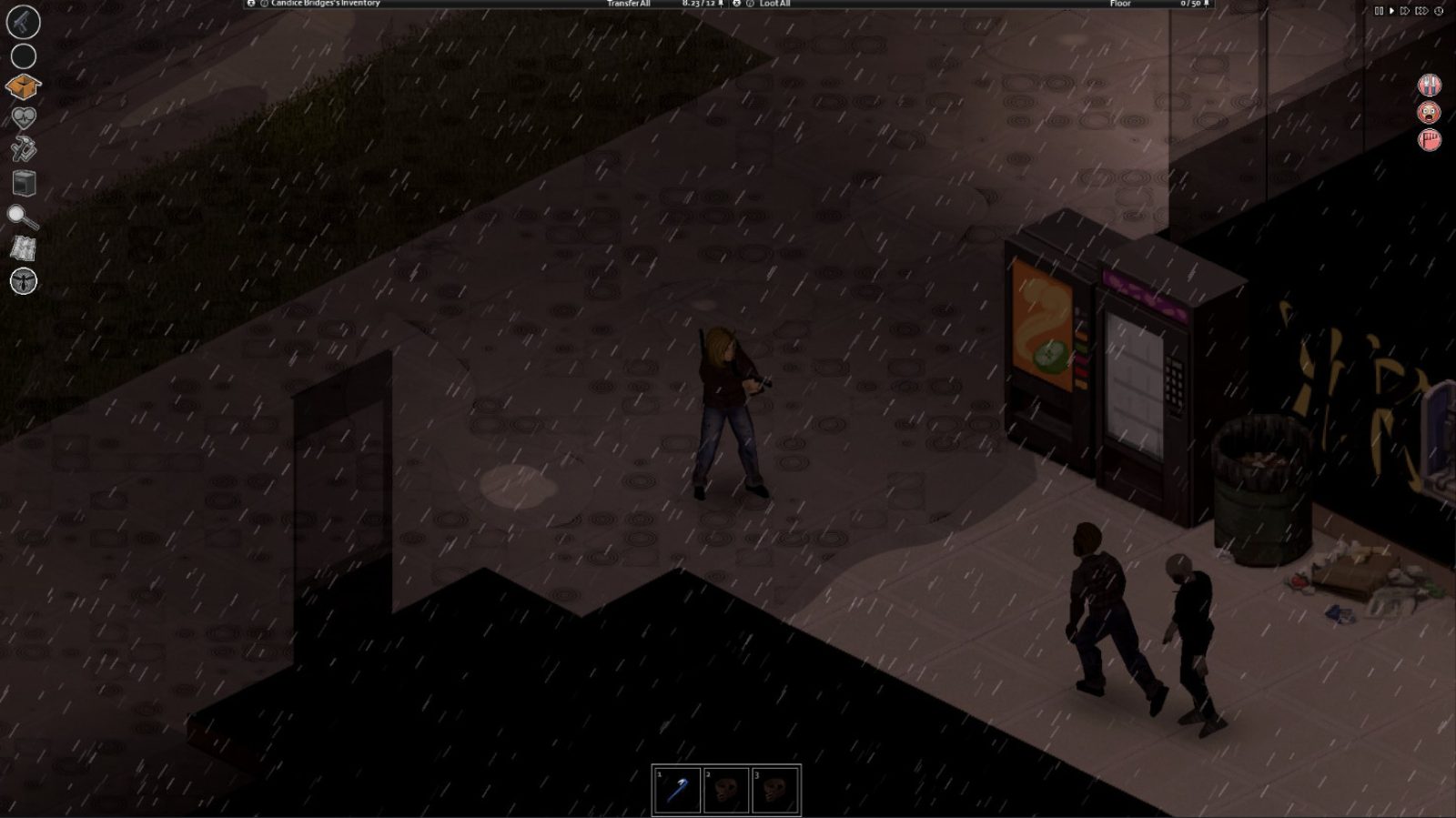
A street at night in Project Zomboid
A player in PvP mode shows a skull over their head when ShowSafety is on.
01Part

PvP server settings and defaults

PvP is controlled in the server's settings file (servertest.ini by default) or in the server options screen when you host from the menu. See hosting a server for where the file lives. Admins can also view and change options on a running server with /showoptions, /changeoption and /reloadoptions. The defaults below come from Build 42 server references; hosting company guides do not always agree, so check your own file after the first launch.

SettingDefaultWhat it does
PVPtrueMaster switch. False means players cannot hurt each other at all.
SafetySystemtrueLets each player opt in or out of PvP with a personal toggle.
ShowSafetytrueShows a skull over players who are in PvP mode.
SafetyToggleTimer2 (range 0 to 1000)Delay before a toggle takes effect. Sources disagree on seconds or minutes.
SafetyCooldownTimer3 (range 0 to 1000)Wait before the toggle can be used again.
SafetyDisconnectDelay60 (one source)Not described in the server file tooltip.
PVPMeleeDamageModifier30Scales melee damage dealt to players.
PVPFirearmDamageModifier50Scales firearm damage dealt to players.
PVPMeleeWhileHitReactionfalseWhether a player can be hit again while still reacting to a hit.
PVPLogToolChat / PVPLogToolFiletrue / trueLog PvP hits to admin chat and to a log file.
FactiontrueLets players create factions.
FactionDaySurvivedToCreate0In-game days survived before a player can found a faction.
FactionPlayersRequiredForTag1Members needed before the owner can set a tag.
WarfalseBuild 42 faction war system. Off unless enabled.

For the timers, one host guide calls the values minutes while two others call them seconds. Treat the number as short either way and test it on your server before you write it into your rules. The two damage modifiers have no documented plain-language meaning per point, so compare them against each other rather than reading them as percentages.

02Part

How the safety toggle works

New players join with safety on. Press G (the default Toggle Safety key under Options, Multiplayer, listed on the controls page) or click the skull button on the left of the screen. The button shows green while you are safe and red while you are in PvP mode. Turning safety off starts the toggle countdown, and once it changes you cannot flip it back until the cooldown ends, so you cannot drop into PvP for one swing and hide again.

SituationCan they hurt each other?
PVP=falseNo, never
PVP=true, SafetySystem=falseYes, at any time
Both players have safety onNo
At least one player has safety offYes
Either player inside a Non-PvP ZoneNo

The important line is the fourth one. With the safety system on, damage is possible when only one side is in PvP mode, so the toggle is not a mutual agreement to fight. If G does nothing, check that PvP and the safety system are on and that you are not standing in a Non-PvP Zone.

03Part

Factions, faction PvP and Non-PvP Zones

A faction is a named group with an owner, members, a private chat channel (/f) and an optional tag shown with member names. It is separate from a safehouse. The faction screen has an option to enable melee PvP between members. Build 42.20.0 fixed a bug where that option also allowed firearm damage, so older advice about friendly fire inside factions may be wrong.

A Non-PvP Zone is an area drawn by an admin from the Admin Panel where players cannot fight, even when PvP is on server-wide. Admins use them for spawn points, trading posts and event areas. Keep them small and mark them in your rules, because players will use any protected zone as a hiding place mid-fight.

Build 42 also adds a faction war system. One group declares war on another; if the target accepts, safehouse protection is lifted for both sides after a start delay (WarStartDelay, default 600 seconds) and for the length of the war (WarDuration, default 3600 seconds). Refusing costs points, and a group that keeps refusing loses protection anyway. The exact role of WarSafehouseHitPoints (default 3) is not clearly documented.

04Part

Fighting players versus fighting zombies

Zombie fighting, covered in the combat guide, rewards patience and timing against slow, predictable targets. Players are different in a few ways:

  • Damage to players is scaled by the two PvP modifiers, so the same weapon can feel weak or brutal depending on the server.
  • Hits land on body parts and cause real wounds: lacerations, deep wounds and lodged bullets. A lodged bullet needs tweezers or a suture needle holder before you stitch and bandage. See first aid.
  • Players shoot back, use doors and corners, and retreat to heal. A wounded enemy who escapes is still a threat.
  • Gunfire draws zombies to both of you. On most servers the noise matters as much as the damage. The firearms page covers noise and aiming.

Opinion: treat any fight with a player as a fight you might lose to the zombies that arrive afterward. Leave when the shooting starts unless you have a clear advantage, and always carry bandages and a disinfectant on PvP servers.

05Part

Armor and gear for PvP

Clothing has bite, scratch and bullet defense values. Bite and scratch matter against zombies and melee; bullet defense only comes from a few ballistic pieces. The figures below are from one fan reference for Build 42.20 and were not rechecked line by line, so read the in-game tooltip.

ItemProtectionTrade-off
Bullet vest (police, army, civilian, SWAT)100 bullet, 30 bite, 55 scratch (one source)Weight 5, extra torso slot
SWAT thigh plates and forearm armor100 bullet (one source)Thigh plates slow running
Army helmet70 bite, 80 scratch (one source)Some loss of vision
Riot or full crash helmet100 bite, 100 scratch (one source)Large vision and hearing loss
Army boots100 bite, 100 scratch (one source)Slightly slower running

Opinion: a bullet vest and an army helmet are the best value. Full-face helmets block too much vision for PvP, where seeing a player first wins most fights. Watch your load on the carry weight page, since heavy armor plus a full bag makes you slow to escape. The best clothing page lists more options.

06Part

Safety and raiding etiquette

Whether a raid is allowed depends on the safehouse settings. With trespass, loot and fire turned off, a claimed building is protected and raiding is mostly impossible. A raid server may turn them on, and admins should say so in the rules before anyone joins. Read safehouses for the full list of claim settings.

Opinion: common etiquette on PvP servers, which many communities write into their rules:

  • Do not kill fresh spawns or players in the first hour after joining.
  • Do not camp spawn points, Non-PvP Zone exits or safehouse doors.
  • Only raid during stated hours if the server sets them, and never raid an offline base on a server that bans it.
  • Take loot, not everything. Leave basic food and water.
  • Keep your own base behind barricades and do not rely on a claim alone.
07Part

Griefing rules admins use

The game cannot tell fair play from griefing, so admins rely on written rules and the PvP logs. Keep PVPLogToolFile on so disputes can be checked against a record. Opinion: rules that tend to work, and are worth adding to your server description on the multiplayer listing:

  • No burning, sledgehammering or dismantling other players' bases outside allowed raids.
  • No killing players inside or at the edge of Non-PvP Zones.
  • No exploiting the safety toggle, such as toggling during a fight to dodge damage.
  • No luring hordes onto another player's base.
  • Publish any admin events or compensation so players can tell them from hidden intervention.

On a friends-only server, PVP=false is simpler than any rule set. See co-op for that style of play.

08Part

Quick answers

How do I turn PvP on or off in Project Zomboid?

Set PVP=true or PVP=false in the server settings file, or change it in the server options. With PVP=false, players cannot hurt each other at all.

What does the skull next to a player's name mean?

It means that player has turned safety off and is in PvP mode. It only shows when the ShowSafety setting is on.

How do I toggle PvP as a player?

Press G by default or click the skull button on the left of the screen. The change takes effect after the toggle timer, and you then wait out a cooldown before you can switch back.

Can someone attack me if my safety is on?

Yes, if they have their own safety off. With the safety system on, damage is possible when at least one of the two players is in PvP mode.

What are the default PvP damage modifiers?

Build 42 server references list PVPMeleeDamageModifier at 30 and PVPFirearmDamageModifier at 50. Check your own server file, since hosts can change them.

How do admins stop fights at spawn?

Draw a Non-PvP Zone from the Admin Panel. Players inside it cannot fight even when PvP is on server-wide.

Setting defaults come from Build 42 server file references and host guides, which agree on the values but not on timer units. Armor figures come from one fan reference for 42.20 and should be checked against in-game tooltips. Sources: Pindrop: dedicated server settings (B42) · PZFans: skull and safety toggle · GuildOrder: factions and war · WabbaNode: safety system · PZFans: clothing protection. Your game is the final word: if it disagrees with us, tell us and we will fix the page.